Update, November 2026: Icinga Notifications 1.0.0 was released on October 29, 2026. The sections on Icinga Notifications and the FAQ now reflect the stable release.
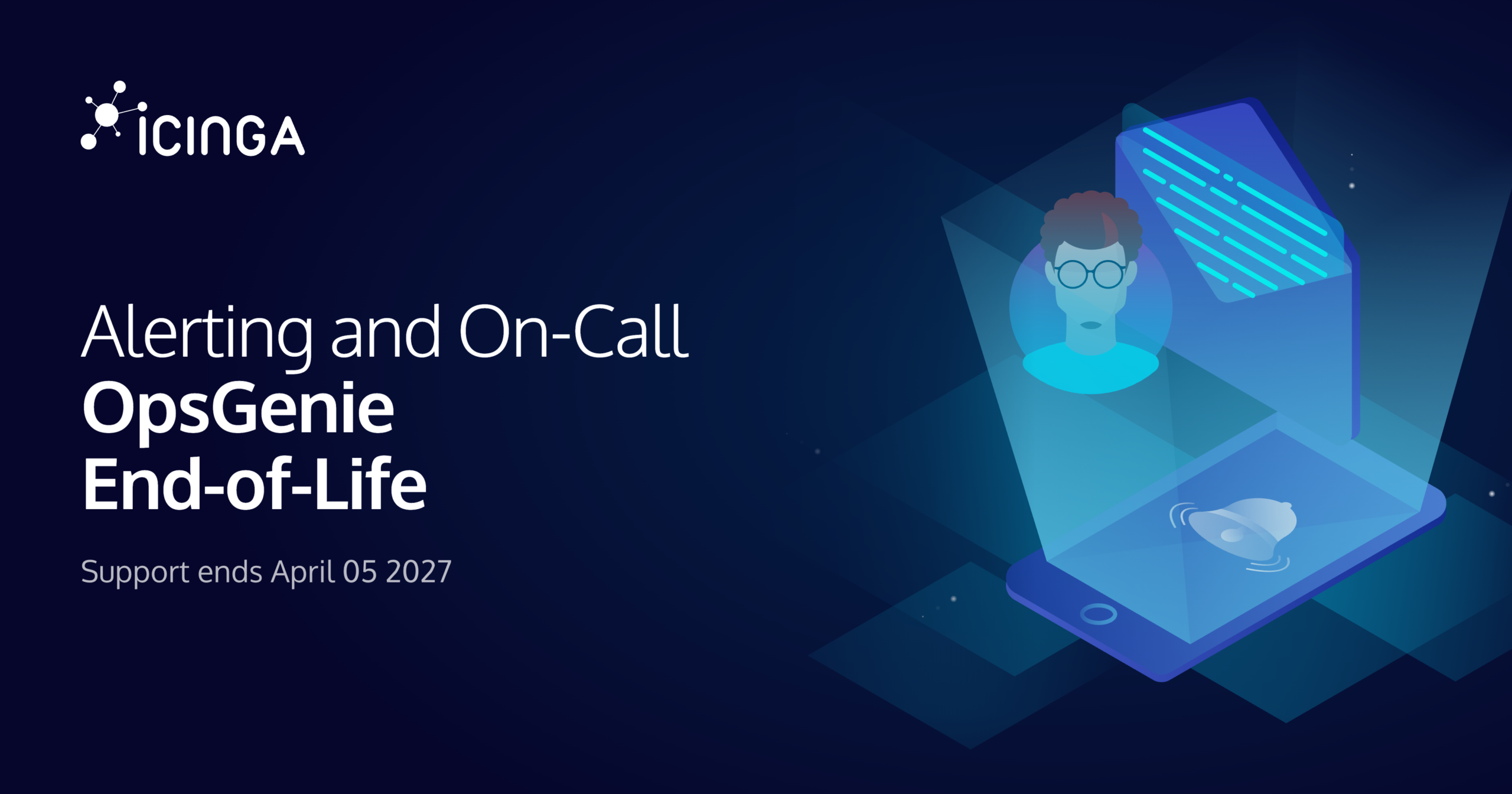
Atlassian stops supporting Opsgenie on April 5, 2027. New sales ended on June 4, 2025, and data left in the platform after the support date gets deleted. If Icinga pushes alerts into Opsgenie today, that route has an expiry date, and so does every on-call rotation and escalation policy configured there.
This post covers the dates, what Atlassian’s migration path does and does not replace, and what the options look like if you want the alerting layer to stay open-source and self-hosted.
What Happens to Opsgenie, and When
Three dates matter:
- March 4, 2025 – Atlassian announced that Opsgenie would be phased out as a standalone product.
- June 4, 2025 – end of sale. No new purchases or trials. Existing customers can still add seats and renew, but cannot change editions.
- April 5, 2027 – end of support. Platform access ends, and unmigrated data is deleted.
Between the announcement and the shutdown, there are roughly two years. Most of that window has already passed. Atlassian keeps the current guidance in its Opsgenie migration resources.
What Atlassian’s Opsgenie Migration Path Covers
Opsgenie’s alerting and on-call features are being folded into Jira Service Management, with Compass offered for service cataloguing. Atlassian provides a migration tool for moving configuration and data across. For a team already standardized on Atlassian, with Jira in daily use and ITSM processes living there, that is the shortest route and probably the right one.
Atlassian documents what carries over and what does not, and a few of the gaps are worth knowing before you plan rather than during:
- Opsgenie phone numbers do not move. The documented workaround is to transfer the number to Twilio after migration to keep it active.
- Bidirectional integrations need Jira Service Management Premium or Enterprise, or Compass Premium.
- On Compass, MS Teams and Zoom integrations are not supported, and Slack connects to one workspace at a time.
- The Opsgenie-to-Opsgenie integration that managed service providers used for sub-accounts is gone. Child accounts convert to free accounts and need their own migration path.
What the migration does not touch is the layer that generates the alerts in the first place. Jira Service Management receives events. Something still has to check whether a host is reachable, whether a certificate is about to expire, whether a database has stopped responding. If that job currently belongs to Icinga, Nagios, Zabbix, Prometheus, or some combination, it still belongs to you after the migration. The Opsgenie decision is a paging decision, not a monitoring decision.
Worth checking before you plan: how many of your Opsgenie escalation policies encode knowledge that exists nowhere else? Schedules and contact details usually survive an export. The reasoning behind “this alert wakes the storage team, that one waits until morning” often does not.
The Open-Source Options for On-Call Got Thinner
Teams that wanted schedules, rotations, and escalation policies self-hosted rather than bought as a service had a short list of options. It got shorter.
Grafana OnCall OSS entered maintenance mode in March 2025, during which fixes were limited to critical bugs and CVEs scoring 7.0 or higher, and the project was archived on March 24, 2026. The repository is now read-only. The Cloud Connection that OSS installations relied on for mobile push, SMS, and phone notifications was switched off on the same date. Existing deployments keep running and schedules still evaluate, but the paging channels that routed through Grafana Cloud stopped, and Grafana’s own guidance points self-hosted users at Twilio or webhooks for voice and SMS.
So within about a year, one commercial platform announced a shutdown and one open-source project stopped being developed. If you are evaluating this space right now, that context is worth having: the market is consolidating toward hosted incident response, and self-hosted alerting is a smaller field than it was.
If Icinga Sends Your Alerts to Opsgenie Today
The Opsgenie integration we document stops being useful when the platform goes away. There are three directions, and they differ mainly in how much of the stack you want to own:
- Follow Atlassian to Jira Service Management. Icinga stays the alert source. You re-point the notification command at the new endpoint and rebuild routing on the JSM side.
- Move paging to another provider. Icinga has integrations with several alerting and on-call services. This keeps the change contained to the notification layer and leaves your monitoring configuration alone.
- Bring the alerting layer in-house. This is where Icinga Notifications comes in. Version 1.0.0 is the first stable release and covers schedules, escalations, and incident handling. More on what it does and does not do below.
Icinga as an Opsgenie Alternative: What Works, and What Does Not
Icinga 2 has had notifications from the start. You define users, notification commands, and time-based escalations, which covers email, SMS through a gateway, and chat webhooks. An escalation that pages second level after the first fifteen minutes looks like this:
apply Notification "sms-escalation" to Service {
  import "generic-notification"
  command = "sms-notification"
  users = [ "oncall-2nd-level" ]
  interval = 30m
  times.begin = 15m
  assign where service.vars.criticality == "high"
}
What Icinga 2 never had was on-call scheduling, rotation management, and incident ownership as first-class concepts. You could approximate a rotation with time periods and a lot of discipline. Nobody enjoyed it.
Icinga Notifications is the component that adds those pieces. Version 1.0.0, released on October 29, 2026, is the first stable release, and we consider it ready for production use.
Schedules built from several rotations, for example office hours, nights, and weekends, combined into one overview and shown in the timezone you choose. Event rules that route by object filter, including custom variables. Incidents that open automatically and stay open until the problem is resolved. You can take one over or subscribe to it with a single click, and acknowledging a problem in Icinga DB Web makes you the manager of its incident. Contact groups and escalations, so a problem reaches more people if nobody reacts.
Email, webhook, and Telegram channels ship out of the box, plus a channel specification for building your own. Channels also report whether a notification arrived, so a lost message does not go unnoticed. Under the hood, 1.0 runs in high-availability setups, so a single failing node does not silence your alerts, and it comes with a versioned API and secure connections.
Your team works with incidents in Icinga DB Web, next to the hosts and services they already know. Icinga Notifications Web is the admin console where contacts, schedules, and rules are configured.
What 1.0 does not do is call a phone or push to a mobile app. A webhook can hand alerts to a voice or SMS gateway, but you operate that piece yourself. We are currrently working on MS Teams, Slack, ServiceNow, and PagerDuty as candidates for official channels.
What that means in practice: if your Opsgenie setup is mostly email or chat notifications, rotations, and escalations, Icinga Notifications can take over that job, and there is enough time before April 5, 2027 to run both in parallel and compare. If you need phone calls and a mobile app under a hard deadline, and you do not want to operate that yourself, a hosted provider is still the better answer. Icinga will feed it.
For a new setup, the 1.0.0 release post walks through the installation order. Icinga Notifications needs Icinga 2 v2.16.6, Icinga DB v1.6.0, and Icinga DB Web v1.5.0. Already running 0.2.0? Version 1.0.0 is a breaking release, so read the upgrading guide first.
Fewer Alerts Beats a Better Paging Tool
A migration is a good moment to ask why the volume is what it is. Most on-call pain is not a routing problem. It is a “the router died and we got 140 tickets” problem, and that is solved upstream in monitoring, not downstream in paging.
Clear Channel, one of the largest out-of-home advertising companies, monitors around 4,300 digital panels and 10,000 hosts across 17 European countries. Two things did the heavy lifting: Apply Rules, which handled 80 to 90 percent of ticket noise automatically, and parent-child host dependencies, so a failed router stops generating a ticket for every panel behind it.
“With Icinga we really appreciate the parent-host thing and that it’s agnostic.” – Roar Amundsen, NOC Lead, CCI Tech Europe
Dependencies, acknowledgements, downtimes, and sensible thresholds cost nothing in licence terms and reduce what any paging tool has to deal with. If you are rebuilding the notification layer anyway, do this first. We have written more on why alerts stop being read when there are too many of them.
Next Steps
The Icinga Notifications 1.0.0 release post covers installation and upgrade steps. The full documentation is at icinga.com/docs, and the source and issue tracker are on GitHub.
FAQ
When is Opsgenie end of life?
April 5, 2027. Support ends, platform access ends, and unmigrated data is deleted. End of sale was earlier, on June 4, 2025.
Is Jira Service Management a direct Opsgenie replacement?
For alerting and on-call, it is Atlassian's official path and covers that ground. It does not include infrastructure monitoring, so whatever generates your alerts stays in place.
Is there an open-source alternative to Opsgenie?
The field narrowed in 2026 when Grafana OnCall OSS was archived. Icinga Notifications 1.0.0 covers schedules, rotations, event-based routing, escalations, and incident handling, and is open-source (the daemon under GPLv2, Notifications Web under GPLv3).
Can Icinga replace Opsgenie?
Icinga can replace Opsgenie for on-call schedules, escalations, incident handling, and email, chat, or webhook notifications. Icinga 2 monitors the infrastructure, and Icinga Notifications is the alerting layer on top. Phone calls and a mobile app are not part of it. If you need those, use Icinga as the monitoring source and route to a hosted provider.
Does Icinga still work with Opsgenie until 2027?
Yes. The integration keeps working while the platform is available. Plan the replacement before April 5, 2027 rather than after.