
Today we are announcing the release of Icinga DB version 1.5.1. This release addresses the issue of leaking SQL prepared statements when Icinga DB is configured as a source for Icinga Notifications....

Releasing Icinga DB v1.5.1
Today we are announcing the release of Icinga DB version 1.5.1. This release addresses the issue of leaking SQL prepared statements when Icinga DB is configured as a source for Icinga Notifications....

Exploring C++20 Coroutines: A Practical Look at Stackless Coroutines vs Boost.Coroutine2
Introduction Icinga 2 makes heavy use of Boost.Coroutine2 in our network code, which are stackful coroutines that are designed to work well with the IO operations from Boost.Asio. This has proven to be a challenge whenever we wanted to asynchronously await things...

Drowning in Alert Fatigue? How to Regain Control of Your Monitoring
Introduction: Why Alert Fatigue Hits Sysadmins Sooner or Later If you’ve ever muted your phone during a maintenance window, only to miss a real outage an hour later, you’re not alone. Sysadmins on Reddit and beyond often describe feeling like they’re drowning in...

Icinga for Windows: MSSQL Plugin Release v1.0.0
Today we are happy to announce that our MSSQL plugins for Icinga for Windows are enhancing the series of Icinga plugins and become released as version 1.0. With this first release we are sharing four plugins to check the current health of MSSQL itself but also...
How to set up High-Availability Masters
When getting started with Icinga 2, a single master instance is often sufficient. However, if your monitoring is business-critical, you’ll need to set up High-Availability Masters to ensure redundancy and stability. This post will guide you through the process of...
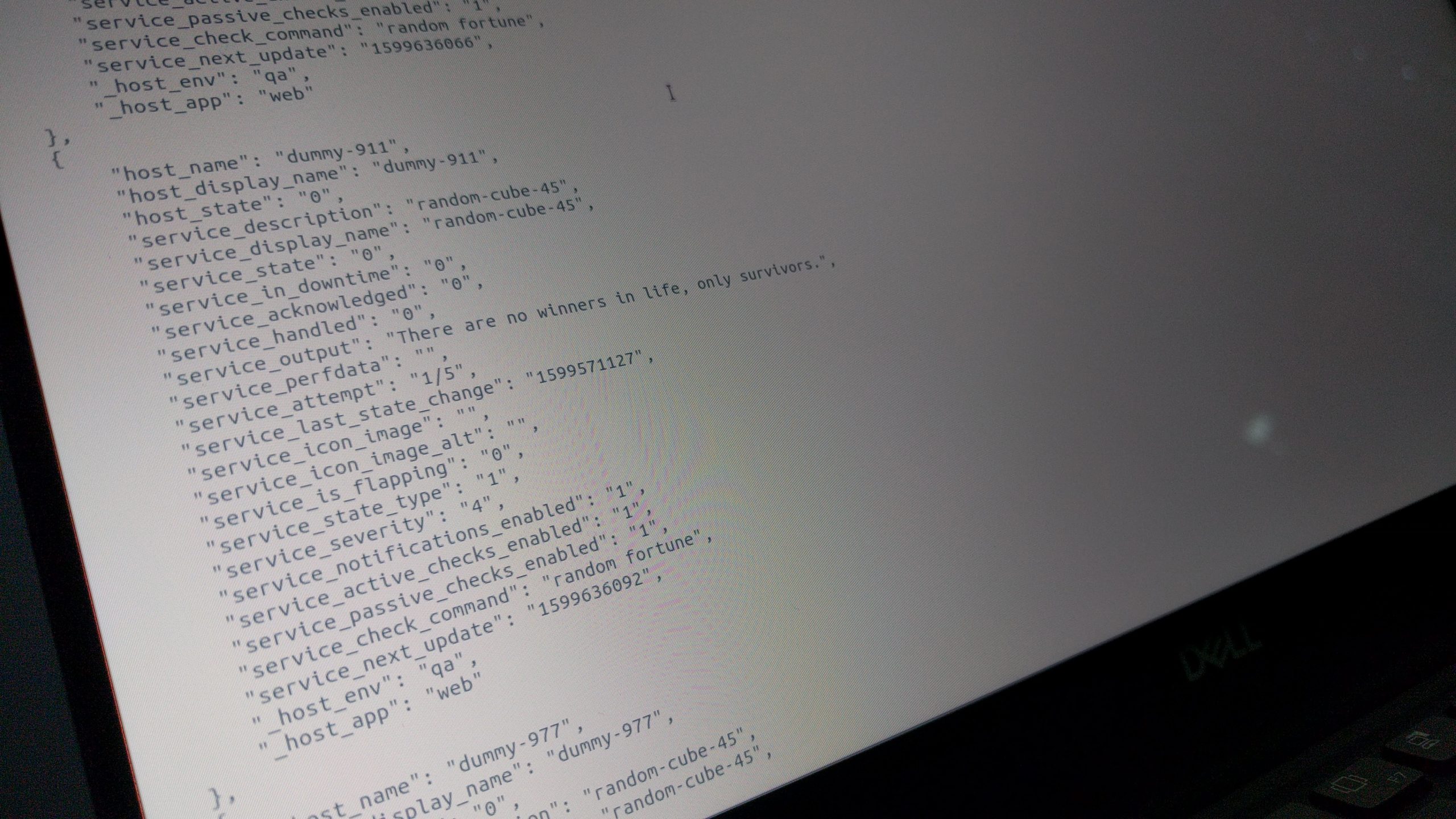
Exporting Data from Icinga Web 2
Today we will talk about exporting data (such as hosts and services) from Icinga Web 2 into various formats. Exporting From the UI You have probably already seen the drop-down in the upper left corner of a list? If you hover there with your mouse or focus it by...

Introducing the redesigned Check Statistics widget
Those of you, who’ve already tried out the Web Interface for Icinga DB might have noticed the redesigned layout of the check execution statistics section in a monitoring object’s detail view. For all the others: Learn about it in this post. On first hand we wanted to...

Releasing Icinga for Windows v1.2.0
Today we are proud to announce the official release for Icinga for Windows v1.2.0! This includes v1.2.0 of the Icinga PowerShell Framework and v1.2.0 for the Icinga PowerShell Plugins. We collected plenty of feedback during the past months from our world-wide user...

How to make a data tree out of a rollup SQL query
For our Cube module we use the ROLLUP SQL query to fetch all data from the database and then make a tree data structure out of the given result. This is how we make it a lot easier to render cubes dynamically. What is ROLLUP? and how it works? The SQL ROLLUP is a...
Create Custom Icinga Powershell Modules and Plugins
Today I will show you briefly how to build your own Powershell Modules/Plugins using icinga-powershell-framework. As you might know, we recently started writing plugins in Powershell that can be used to monitor windows-services in Icinga2 in a simple way. If you are...
Icinga Web Security Release: v2.6.4, v2.7.4 and v2.8.2
We're releasing today multiple minor versions of Icinga Web 2 to fix a security issue that has been reported recently. The vulnerability in question allows an attacker to access arbitrary files which are readable by the process running Icinga Web 2. It has been...

Icinga Docker Setup with Docker Compose: Step-by-Step Guide
Monitoring your infrastructure shouldn't be a hassle — with the official Docker images from Icinga, deploying and running your monitoring stack is easier and faster than ever. Whether you're setting up Icinga for the first time or deploying in a modern CI/CD pipeline,...

Subscribe to our Newsletter
A monthly digest of the latest Icinga news, releases, articles and community topics.