Lots of big companies lock down their IT infrastructure in the internal network, sometimes they even use only locally mirrored repositories. I totally understand this, especially since our...
Get Valid TLS Certificates for Icinga Web Despite a Firewall
Lots of big companies lock down their IT infrastructure in the internal network, sometimes they even use only locally mirrored repositories. I totally understand this, especially since our...

Icinga 2 Meets OpenTelemetry: Native Metrics Export in v2.16
The OTLPMetricsWriter is a new Icinga 2 feature available since v2.16 that exports check plugin performance data as OpenTelemetry-compliant metrics via the OTLP HTTP protocol. With a single configuration object, it connects Icinga 2 to any OTLP-compatible backend like...

Mirroring Icinga Packages in Air-Gapped and Restricted Environments
When hosting in a secure or corporate environment, Internet access is often restricted or blocked completely. While this makes sense from a security point of view, this introduces some challenges. For one, getting software packages. There are usually two approaches to...

Using the Icinga Web API
Unfortunately, there is little to no documentation for using the Icinga Web API to perform monitoring actions such as scheduling downtimes. But it's a simple thing and I'll give you a quick example of how to do it. Using the Icinga Web API instead of the Icinga API...

Using Thola for monitoring your network devices
This is a guest blogpost by Alexander Biehl from the Thola development team. --- Once upon a time there was a small company in the south west of Germany that used an old check plugin for monitoring its network devices. But as their network got bigger and bigger over...

Docker: You’ve got mail!
So far we’ve chosen base images for our Icinga 2, Icinga Web 2 and Icinga DB Docker images, further reduced the image size and even taken care for security and comfort. Additionally Eric put all the images together via Docker Compose. But there’s still one little...
How to fetch data from Icinga Web
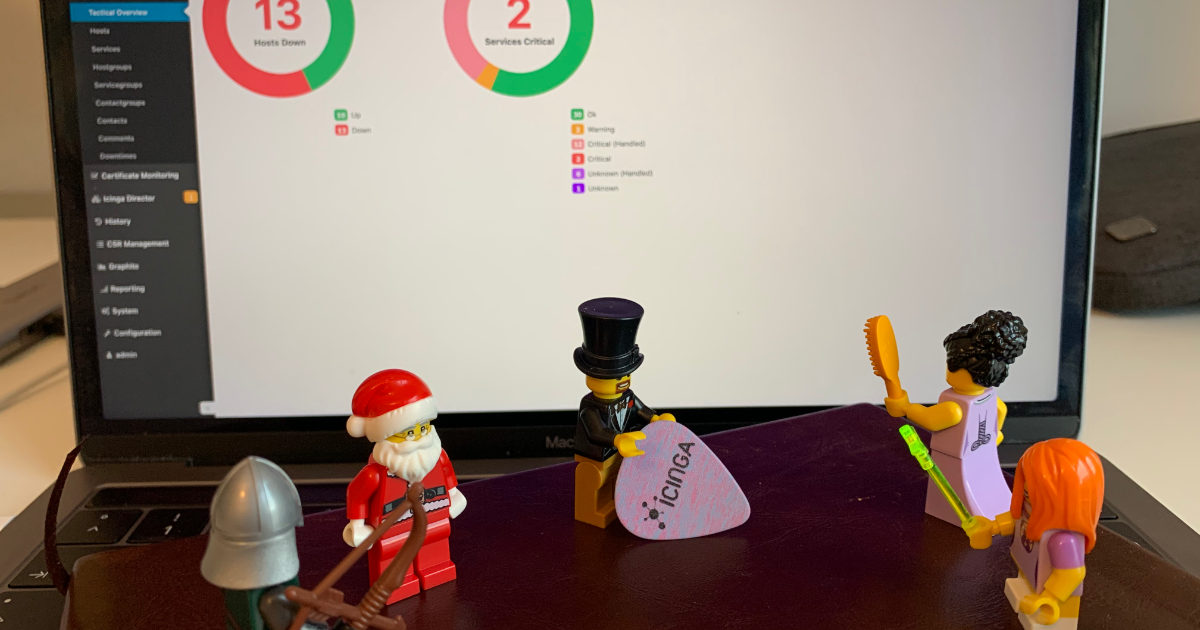
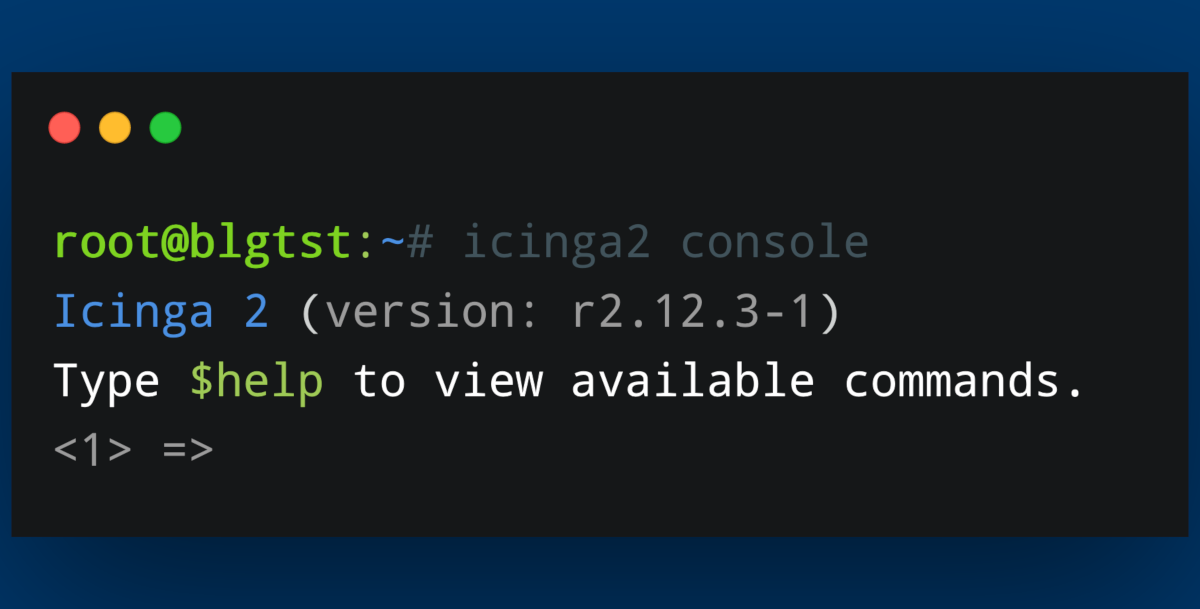
There are multiple ways to interact programatically with Icinga. Last week Henrik demonstrated how to connect to the Icinga 2 API through the Icinga 2 Console. Working with the Icinga 2 API is probably the most obvious way to interact with Icinga. Still, I would like...
How to connect to the Icinga 2 API via the Icinga Console
Today I will show you a couple of small functions you can use with the Icinga Console. Using the Icinga Console can help with scripting in general and provides a quick and easy-to-use way of extracting information from your Icinga environment. We will take a look at...
Creating dashboards based on custom filters
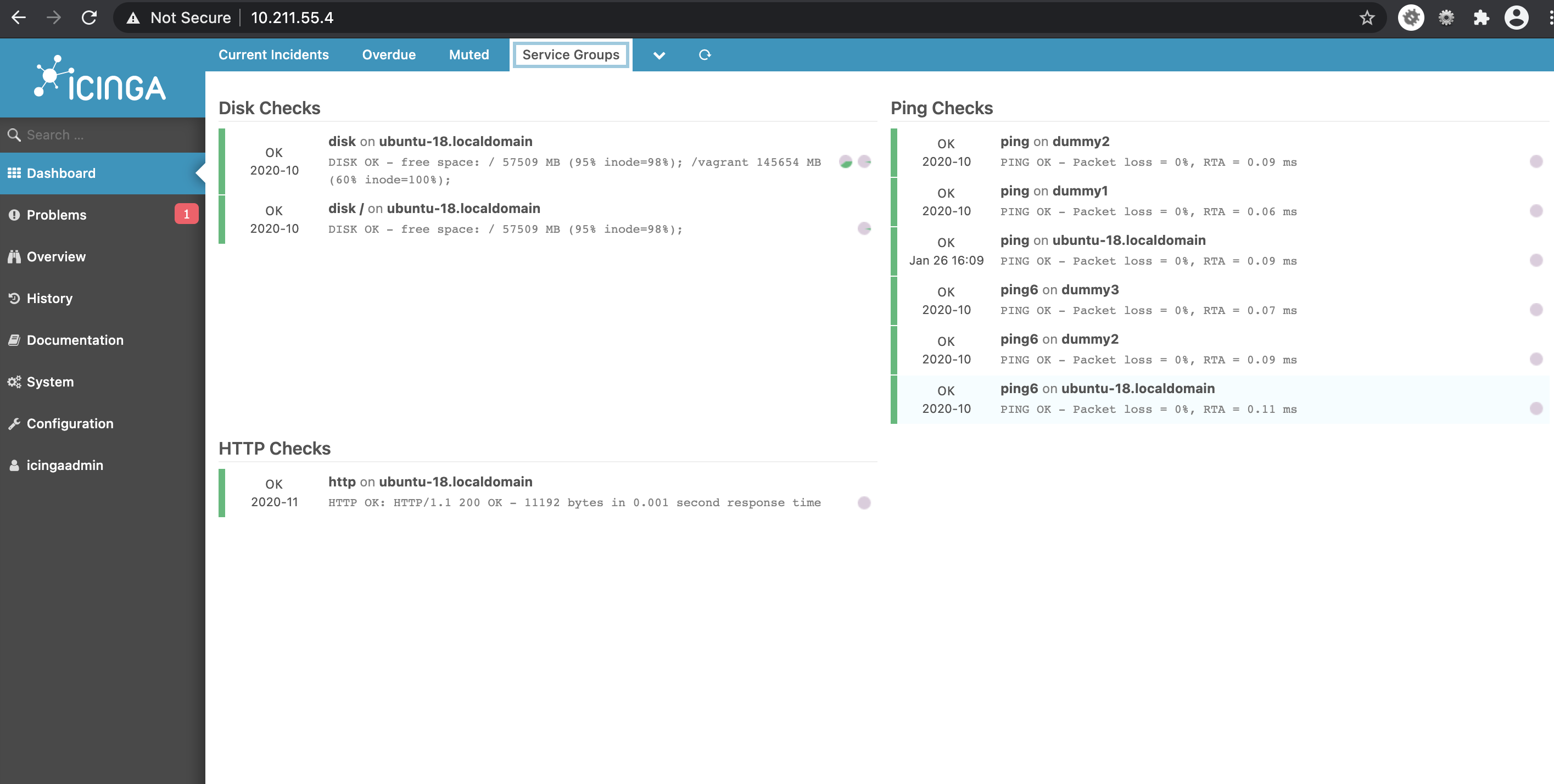
In this blogpost, I explain how to create dashlets using custom filters. This way you can create dashlets of your own which you find is necessary. Having dashboards in fact improves monitoring. Dashlets are the different sections under the given dashboard, which are...

Icinga 2 Config Sync: DIY Edition
Two weeks ago, Icinga 2 Config Sync: Behind the Scenes explained how the config sync in Icinga 2 works and how you can look behind the scenes. Today, we will put our knowledge from that post to the test and try to manually replicate the config sync. The most important...
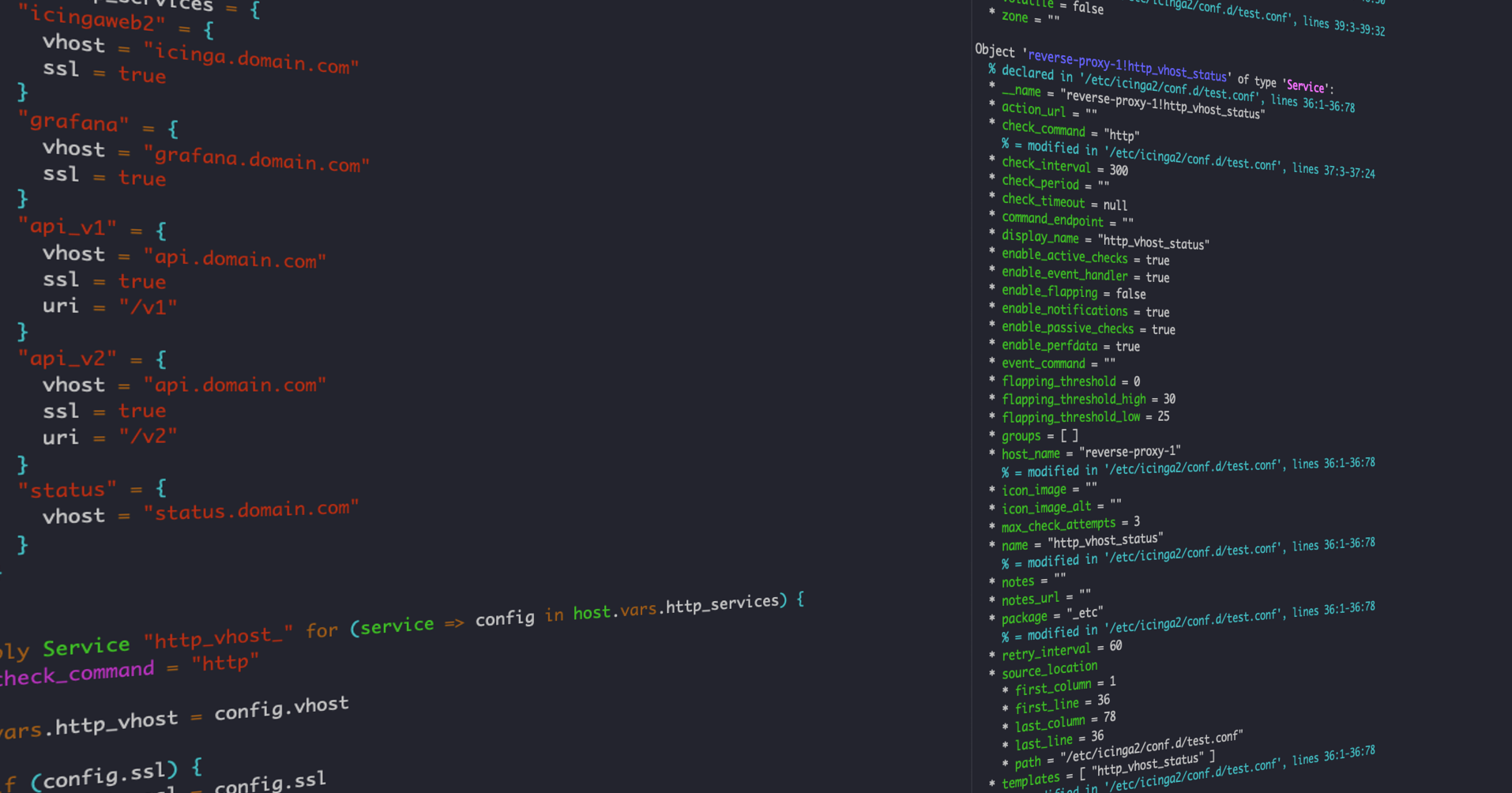
Icinga 2 Config Language (DSL): Advanced Apply Rules
As many users of Icinga don't know what the DSL has to offer, I'm going to show you how to use custom variables and apply for rules to make your life easier when writing configuration for your Icinga environment. Idea In this example we will use custom variables on a...

Icinga 2 Config Sync: Behind the Scenes
Today's blog post dives into the internals of Icinga 2 and will give you an overview how the config synchronization works internally. We will take a small cluster as an example and follow the configuration files through the synchronization mechanism. We assume some...

Subscribe to our Newsletter
A monthly digest of the latest Icinga news, releases, articles and community topics.