
Icinga Documentation
Learn how to monitor your entire infrastructure with the help of our documentation, demo, FAQ, and blog articles. Become an Icinga pro!
Installation Walkthrough
Follow this course to set up your very own, self-hosted monitoring system. At the end you will be able to monitor your servers, networks and applications and receive alerts via email.
Core Products
Components
| Icinga for Windows Docs | v1.16.0 Changelog |
| Icinga SSO Docs | v1.0.0 Changelog |
| Icinga TOTP Docs | v1.0.0 Changelog |
| Icinga Reporting Docs | v1.1.0 Changelog |
| Icinga Cube Docs | v1.4.0 Changelog |
| Icinga Business Process Modeling Docs | v2.6.0 Changelog |
| Icinga Certificate Monitoring Docs | v1.4.0 Changelog |
| Icinga vSphere® Integration Docs | v1.8.5 Changelog |
| Icinga Web JIRA Integration Docs | v1.5.0 Changelog |
| Icinga Web Graphite Integration Docs | v1.3.1 Changelog |
| Icingabeat Docs | v7.17.4 Changelog |
Icinga Notifications
Icinga for Kubernetes
Modules marked with the star icon require a paid subscription
Icinga Live Demo
We have several modules installed that will give you an idea about how Icinga feels in a production environment. The demo system gets automatically set to default every now and then, so don’t use it for your production environment.
Latest How-tos from the Blog

Removing decommissioned clusters from Icinga for Kubernetes
Clusters get retired. A test cluster is torn down, a workload moves to a new environment, a provider contract ends. Icinga for Kubernetes does not know about any of that. Since v0.3.0, several clusters can write into one shared database, and Icinga for Kubernetes Web...
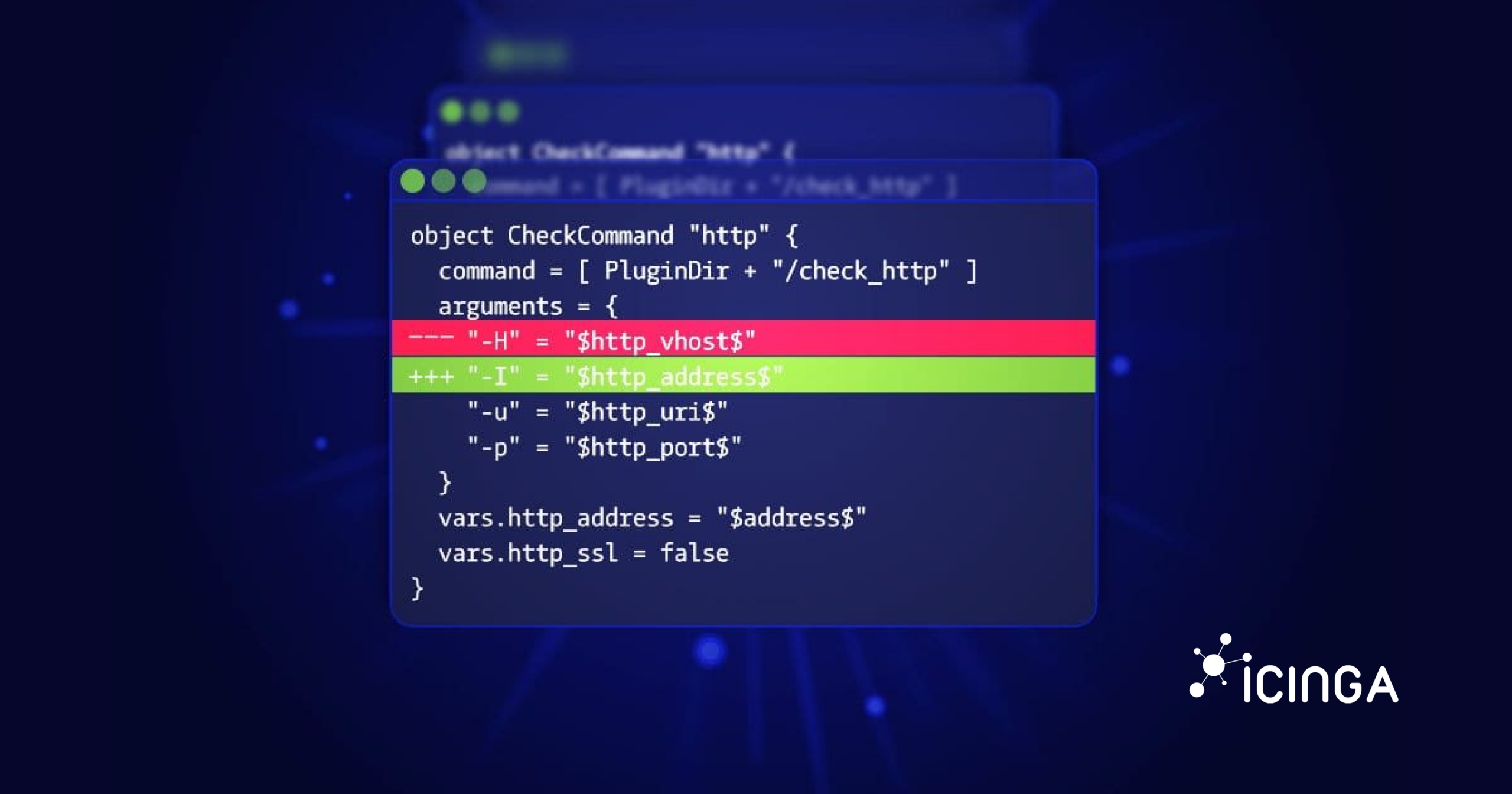
Monitoring as Code with Icinga: Approaches, Tools and Trade-offs
Monitoring as code means defining hosts, checks, thresholds and notification rules in version-controlled files, and deploying them through review and automated validation, the same way infrastructure as code handles servers and networks. With Icinga you can do this...
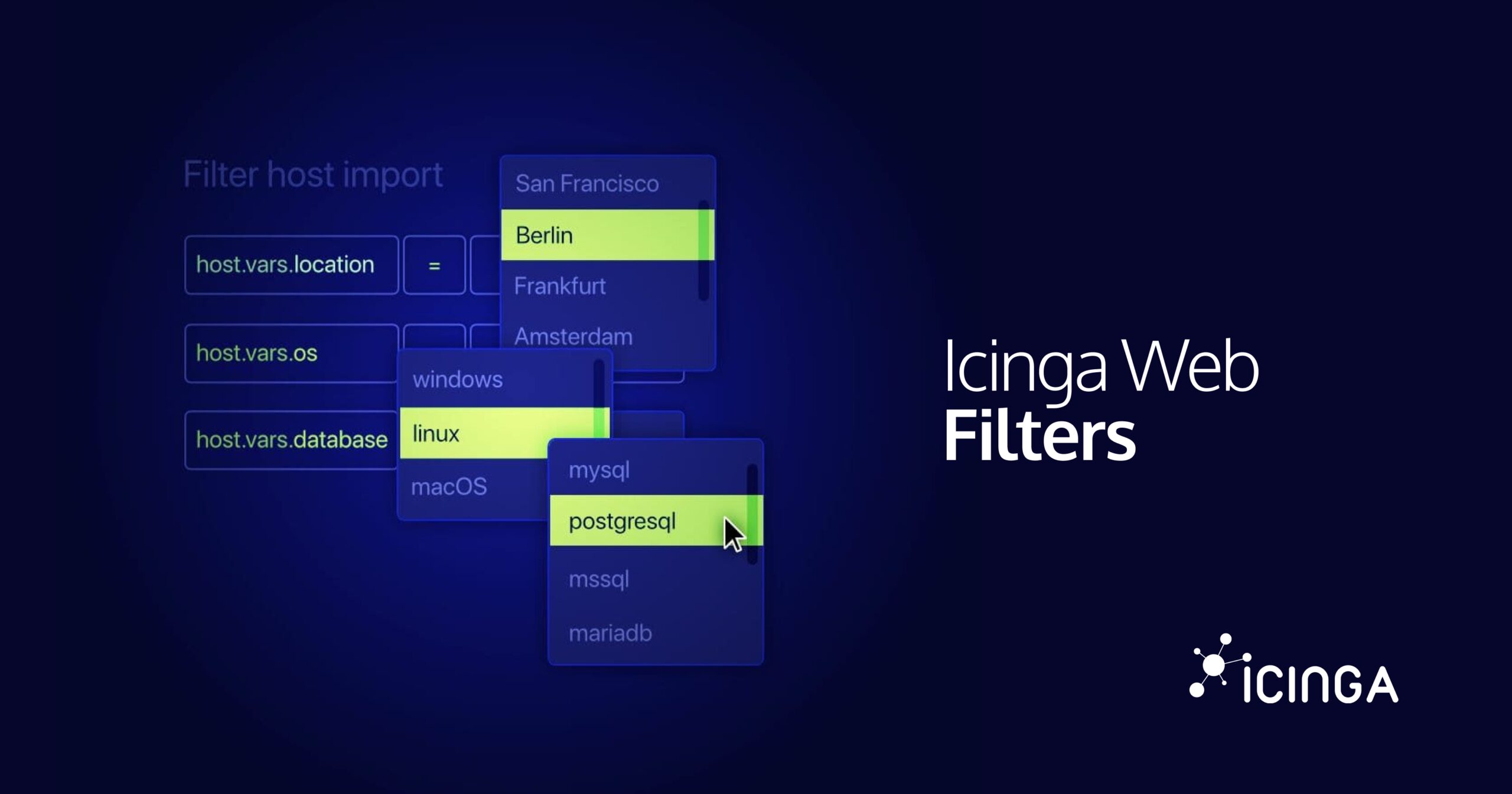
Icinga Web Filter Syntax: Operators, Wildcards and Custom Variables
An Icinga Web filter is a chain of conditions, each one a column, an operator, and a value, combined with & and |. You type it into the search bar of Icinga DB Web, but the same syntax shows up in URLs, dashboards, role restrictions, and the event rules of Icinga...
Get Help
Sometimes it’s just a missing bracket in your config – an extra pair of eyes will surely help! Get in touch with us and the community to figure things out.

Subscribe to our Newsletter
A monthly digest of the latest Icinga news, releases, articles and community topics.