Working with Agents and Config Zones
Working with Icinga 2 Agents can be quite tricky, as each Agent needs its own Endpoint and Zone definition, correct parent, peering host and log settings. There may always be reasons for a completely custom-made configuration. However, I’d strongly suggest using the Director- assisted variant. It will save you a lot of headaches.
Preparation
Agent and zone settings can be set directly on a host object, but for more than a handful of Agents it’s usually easier to create an “Icinga Agent” template. You could name it exactly like that; it’s important to use meaningful names for your templates.
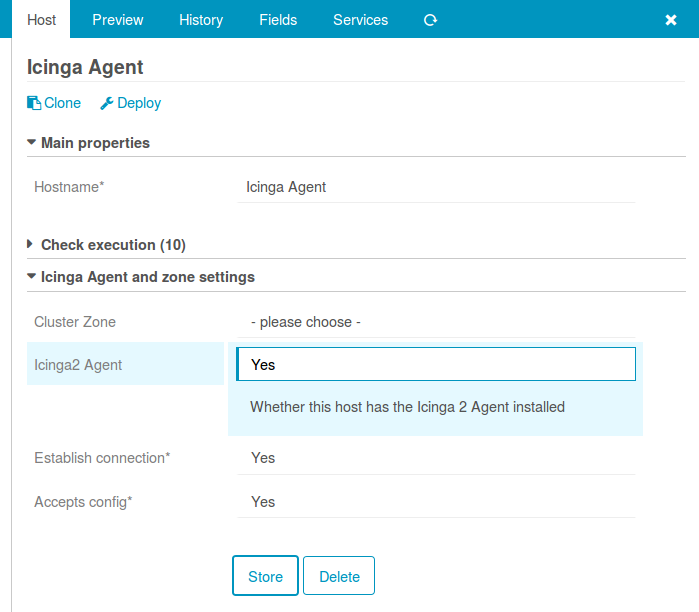
As long as you’re not using Satellite nodes, a single Agent zone is all you need. Otherwise, assign each Agent to the zone of its Satellite, either directly on the host or by assigning it a template dedicated to that Satellite zone. A dedicated template per zone pays off once you’re managing many Agents, as it lets you move all of them into the right zone at once instead of editing every host individually.
Usage
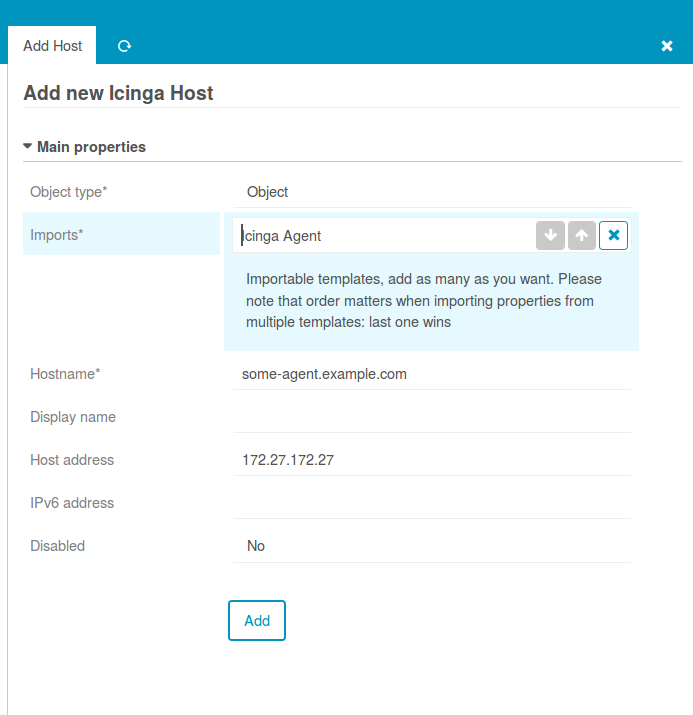
Well, create a host, choose an Agent template, that’s it:
Once you import the “Icinga Agent” template, you’ll see a new “Agent” tab. It hands you a signed ticket for manual configuration, plus a ready-to-run Windows Kickstart Script and Linux commandline script, both available for download and previewed right there on the page:
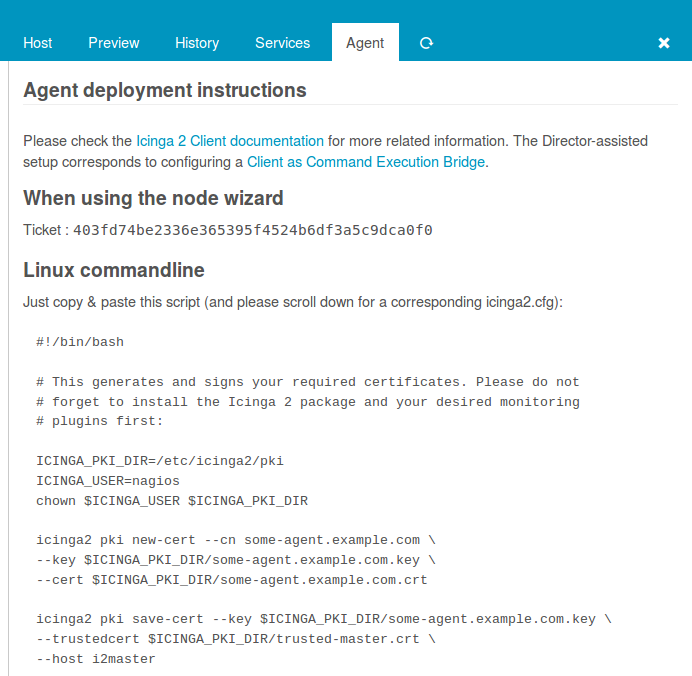
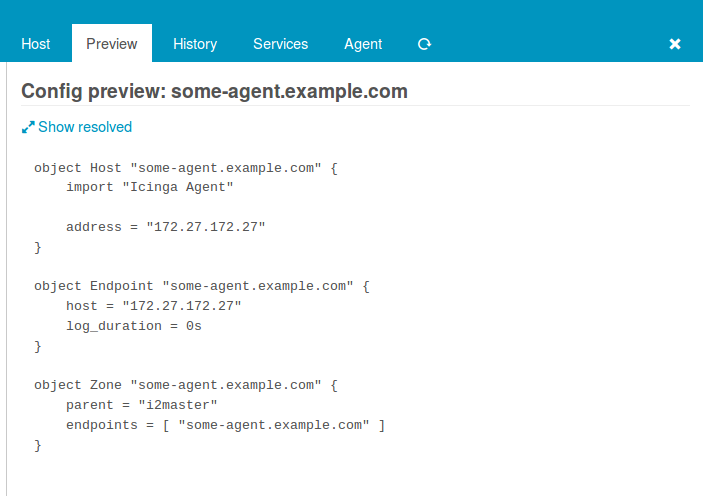
The preview shows that the Icinga Director would deploy multiple objects for your newly created host:
Create Agent-based services
Similar game for services that should run on your Agents. First, create a template with a meaningful name. Then, define that Services inheriting from this template should run on your Agents.
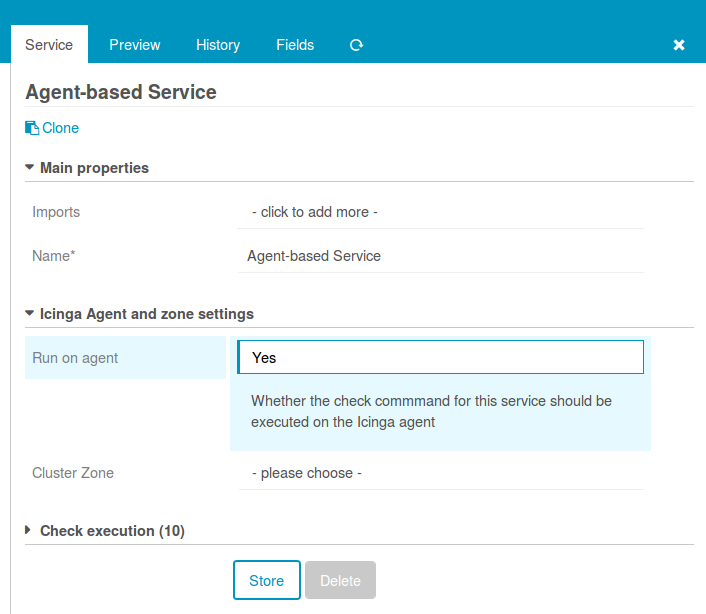
Please do not set a cluster zone, as this would rarely be necessary. Agent-based services will always be deployed to their Agent’s zone by default. All you need to do now for services that should be executed on your Agents is importing that template, for example when creating a service directly on one of your Agent-based hosts:
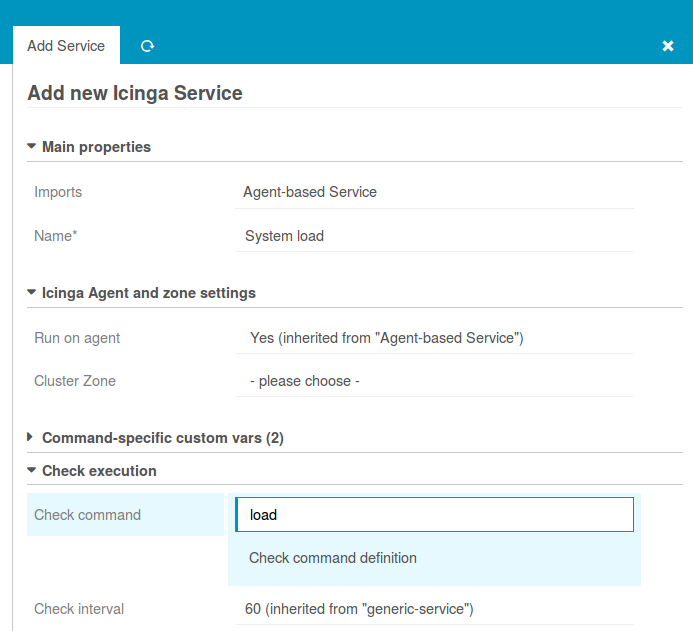
Config preview shows that everything works as expected:
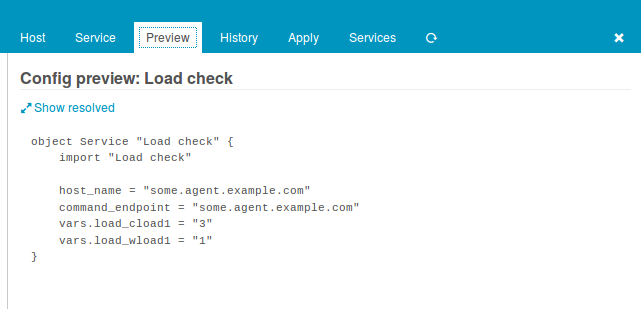
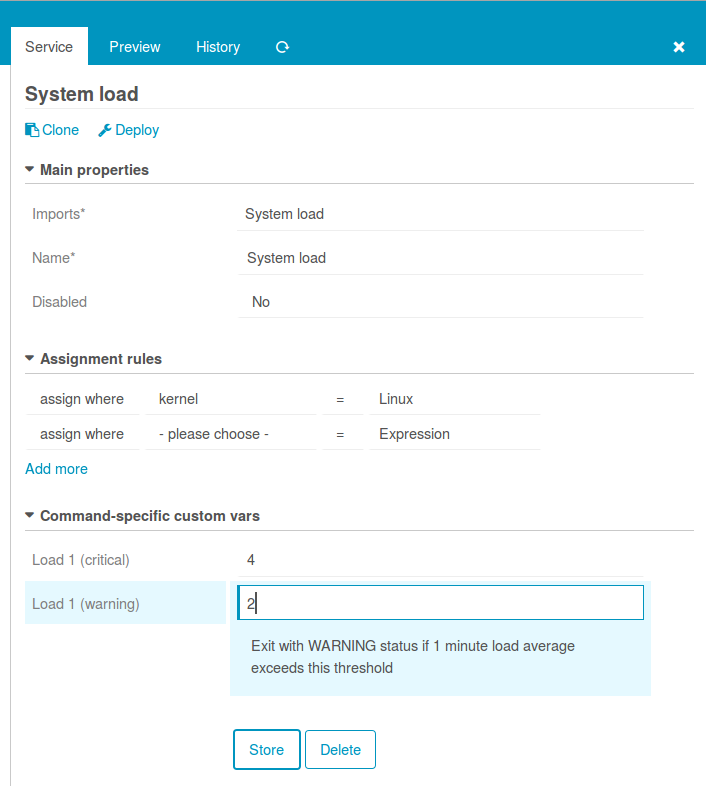
Instead of creating a Service for every single host, you can also apply
your Agent-based Service template to all hosts using the “Icinga Agent”
template at once. Create an Apply Rule for services, import your template
and assign it wherever "Icinga Agent" in host.templates:
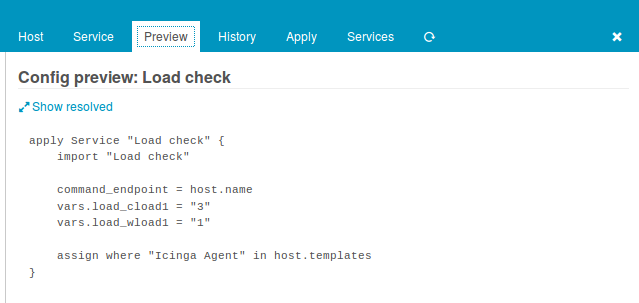
The Service tab shows how such an Apply Rule is configured, combining the imported template with your assignment filter: