If you’ve ever onboarded a teammate at 4:57 PM on a Friday (or offboarded one at 4:58 PM… ), you know the pain: keeping notification contacts and groups up to date is work. With the Icinga Notifications REST API, you can automate that and avoid drift.
That’s why I’m happy to introduce the first release of the Contacts / Contact Groups REST API in Icinga Notifications Web: a small, focused API that helps you keep “who gets notified” consistent, automated, and version-controlled.
Whether you want to sync from an HR system, a CMDB, an IdP, or just a Git repo with YAML and a CI job, this API is meant to be the glue.
What this API is (and isn’t)
This REST API is designed specifically for notification configuration:
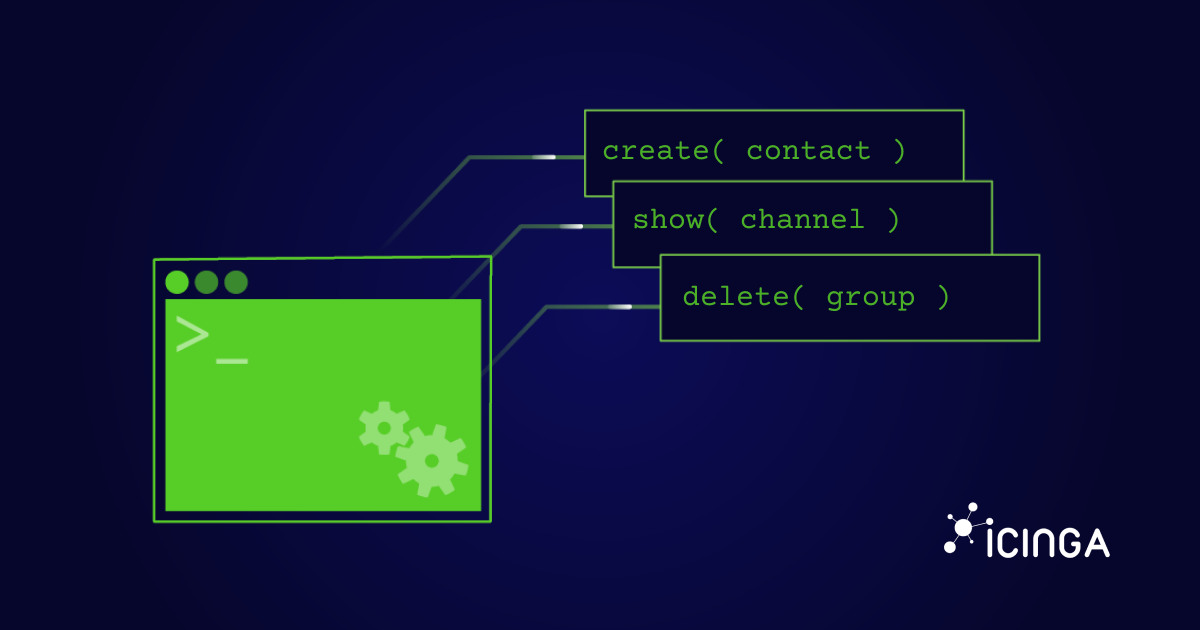
- Manage contacts (create, read, update, delete)
- Manage contact groups (create, read, update, delete)
- Read available notification channels (read-only; discovery)
- OpenAPI specification included (so you can generate clients and stop hand-writing curl in your sleep)
It’s not trying to be a “do everything” endpoint for the whole notifications universe—just the core primitives you need for automation: contacts and groups.
Use cases: why you’ll care
There are several practical scenarios where this API really shines. If you’re dealing with frequent team changes, you can set up onboarding and offboarding automation where HR events automatically trigger contact creation or deactivation. For organizations using identity providers or directory services, you can keep teams and on-call groups aligned with reality through regular synchronization.
Teams practicing config-as-code can define contacts in Git and reconcile them via pipeline, ensuring your notification configuration is versioned and auditable just like your infrastructure code. In multi-tenant or multi-team setups, a central system can manage who’s in which group programmatically. And if you’re building tooling around notifications, the channel discovery feature lets you validate that a contact’s default channel actually exists before things break at 3 AM.
Prerequisites (quick checklist)
Before you fire off requests, make sure that:
- Icinga Notifications Web is installed and enabled in Icinga Web.
- At least one notification channel is configured (because contacts reference channels).
- Your API user has the appropriate Icinga Web permission to modify configuration via API.
Tip: If you’re building automation, create a dedicated API user/role with minimal permissions.
API versioning & base path
The Icinga Notifications REST API is versioned and currently available under: /icingaweb2/notifications/api/v1
That version prefix is intentional: it keeps upgrades predictable and avoids breaking your automation scripts without warning.
Icinga Notifications REST API: Resources & Endpoints
The API exposes three main resource types: contacts, contact groups, and channels. For the detailed endpoint structure including all HTTP methods and paths, check out the complete endpoint reference in the OpenAPI specification.
Contacts and contact groups support full CRUD operations, while channels are intentionally read-only—you configure channels in the UI, and the API lets your tooling discover what exists.
Identifiers: UUIDs
Contacts and contact groups are identified by UUIDs. If you create resources via the UI, you’ll see UUIDv4 identifiers. If you create via API, you can either let the server assign an ID (typical POST flow) or choose your own ID for deterministic config (PUT flow).
Resource shapes
Each resource type has a defined JSON structure. A contact includes an id (UUID), full_name (required), optional username, default_channel (UUID reference to a channel), optional groups array (UUIDs), and an addresses object whose shape depends on the channel type. Contact groups have an id (UUID), name (required), and optional users array (contact UUIDs). Channels expose their id (UUID), name, type, and config as a JSON string.
All successful API responses wrap the resource data in a data property. For example, getting a single contact returns {"data": {...contact object...}}, while listing contacts returns {"data": [{...contact...}, {...contact...}]}.
For the complete schema definitions, refer to the API documentation.
Validity rules
The API enforces a few important rules to keep your configuration consistent.
- Request bodies are JSON objects (one resource per request, no envelope).
- default_channel must reference an existing channel name.
- References must already exist
- contact → groups must exist
- group → users must exist
This keeps writes predictable and avoids “ghost references” that only explode later at notification time.
Icinga Notifications REST API: Methods & Response Semantics
The API supports GET, POST, PUT, and DELETE for contacts and contact groups, with clear semantics for each operation.
GET requests work for listing, filtering, and retrieving single resources. A list request returns 200 with the results wrapped in a data array, even if empty. Single resource requests return 200 if found, 404 if not.
POST to the collection endpoint (e.g., /contacts) creates a new resource and returns 201 with a Location header pointing to the new resource. POST to a specific UUID (e.g., /contacts/<uuid>) is used specifically to change an object’s identifier—you provide a body with a different id, and the old object is effectively replaced with a new identifier. The response includes a Location header with the new endpoint. This is the only way to change an object’s ID.
PUT provides idempotent create-or-update behavior. When you PUT to a specific UUID with a valid body, you get 201 if created or 204 if updated. The id in the request body must match the UUID in the URL. If they differ, you’ll get a 422 error with the message “Identifier mismatch” (this protects against accidental ID changes—use POST for intentional ID changes).
DELETE is straightforward: 204 if deleted, 404 if not found, 400 if the identifier format is invalid.
If you’re unsure which write method to standardize on, the simplest mental model is:
POST to collection means “create a new one”,
POST to UUID means “change this one’s ID”,
PUT means “set this exact one (create or update)”, and
DELETE means “remove this exact one”.
Filtering and querying
GET supports querying via a filter query string:
- GET /contacts?filter=…
- GET /contact-groups?filter=…
The contract is simple: filtered queries return a list (possibly empty) with HTTP 200.
Why channels are read-only
Channels are a bit special because they represent the capabilities of your notification setup—email, webhook, Rocket.Chat, and potentially more via custom channels. The API is there for discovery (for example, validating default_channel UUID references), not for channel lifecycle management.
Icinga Notifications REST API Docs
The Icinga Notifications Web REST API is fully documented with a complete OpenAPI specification. You can find the full contract for endpoints, schemas, and responses in the OpenAPI specification (v1).
Feedback
This is the first release of the Contacts & Contact Groups REST API in Icinga Notifications Web. If you try it out, I’d love to hear how you’re using it in the real world, syncing from an IdP/HR system, doing config-as-code, bootstrapping environments, or anything else.
Feel free to contact us to leave your feedback 🙂
If you prefer a more structured route (repro steps, logs, screenshots, the good stuff), please use the issue tracker:
Icinga Notifications Web – GitHub Issues
Happy automating, and may your contact lists never drift again.