We are releasing Icinga TOTP Web v1.0.0, which adds Time-based One-Time Password (TOTP) two-factor authentication to Icinga Web. What Is Icinga TOTP Web? Icinga Web's authentication system supports...
Icinga TOTP Web 1.0.0 Release
We are releasing Icinga TOTP Web v1.0.0, which adds Time-based One-Time Password (TOTP) two-factor authentication to Icinga Web. What Is Icinga TOTP Web? Icinga Web's authentication system supports...

Features in Icinga Web 2 Worth Knowing About
When you work closely with Icinga Web 2, developing modules, building dashboards, poking around the internals, you naturally pick up on features that most users never think about. Some are usability improvements that deserve more attention than they get. Others are...
Monitoring Docker Containers with Icinga
A container reporting "up" tells you the process is running, not that the workload is healthy - but that caveat is true of any service, on a container or a bare server. What makes containers their own monitoring problem is the layer around the process: per-container...
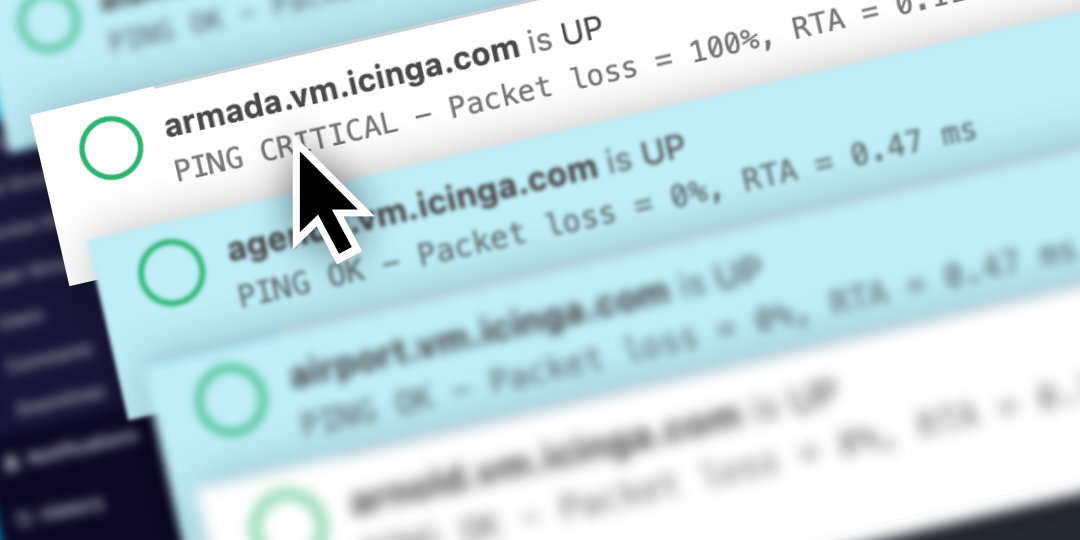
Multi Element Selection in Icinga DB Web
From time to time we want to bring not so widely known features of Icinga into spotlight. In this effort it’s a not so obvious feature, that was available in the monitoring module of Icinga Web 2 at some point already. It has also been available in Icinga DB Web since...

Icinga Director: Cloning dictionary row entries for objects from import sources
Over use of dictionaries in monitoring leads to complex and ugly configurations. This in turn makes monitoring complicated. Hence, it is advisable to use it, only if it is needed or in special cases. Even in these cases it is worthwhile to keep it simple. On that...

Icinga Package Repository Key Rotation, 2024
Icinga uses it's own repositories to distribute installation packages for the Icinga software. Today, we're announcing the rotation of the GPG key used to sign our repositories and packages. Currently, our repository is signed with a 1024 bit DSA key. Key rotation is...
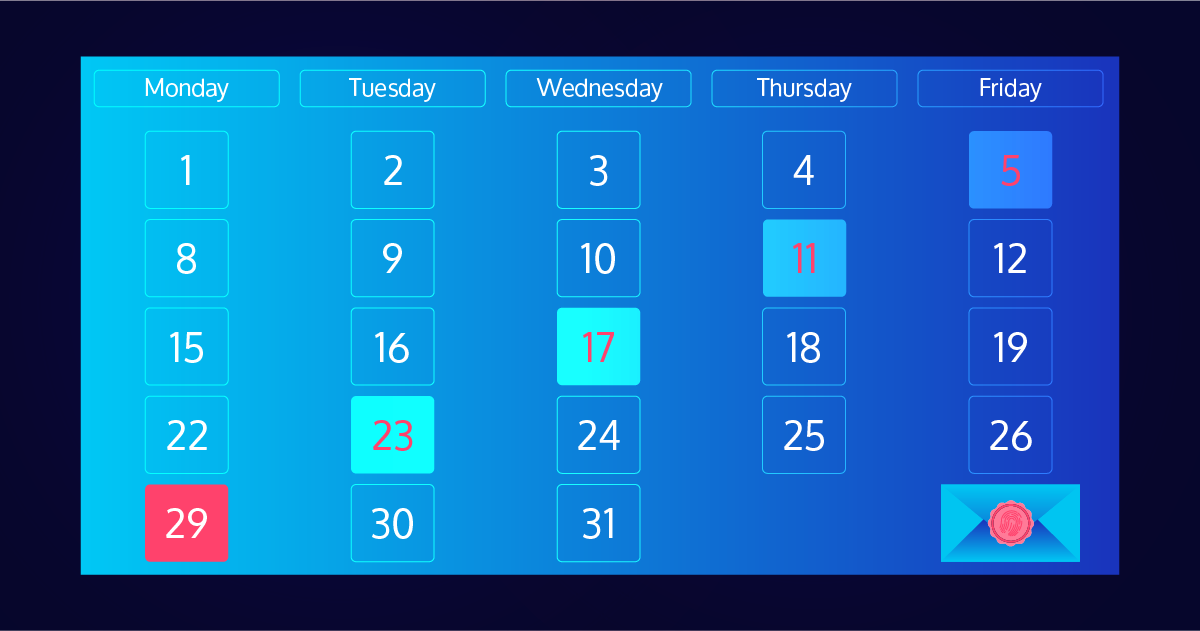
Icinga Notifications Web: Schedule configuration
A few weeks ago, we released the first beta version of the Icinga Notifications Web module. The Configuration tab provides the option to create schedules that can be used as recipients for notifications. What is a Schedule and how does it work? A schedule is a...
Getting Started With Icinga Notifications
Icinga Notifications and Icinga Notifications Web just celebrated their first beta release. This post will try to help you get started by explaining concepts and configurations.

Effective Monitoring Strategy: 10 Tips for Success
As a software developer in training at Icinga, I've learned a lot about the nuances and importance of monitoring systems. Effective monitoring is critical for maintaining the health, performance and security of any infrastructure or application. Here are ten essential...
Native Binaries with PHP
There is always a big debate about whether interpreted or compiled languages are more useful. I think it is important to look at the pros and cons. Both language types have their strengths and weaknesses. While interpreted languages are great for maintaining and...

Making Use of Previous State in Icinga2 Check Commands
When writing a custom check plugin for Icinga 2, there are situations where in addition to observing the current state of a system, taking the past into account as well can be helpful. A common case for this is when the data source provides counter values, i.e. values...
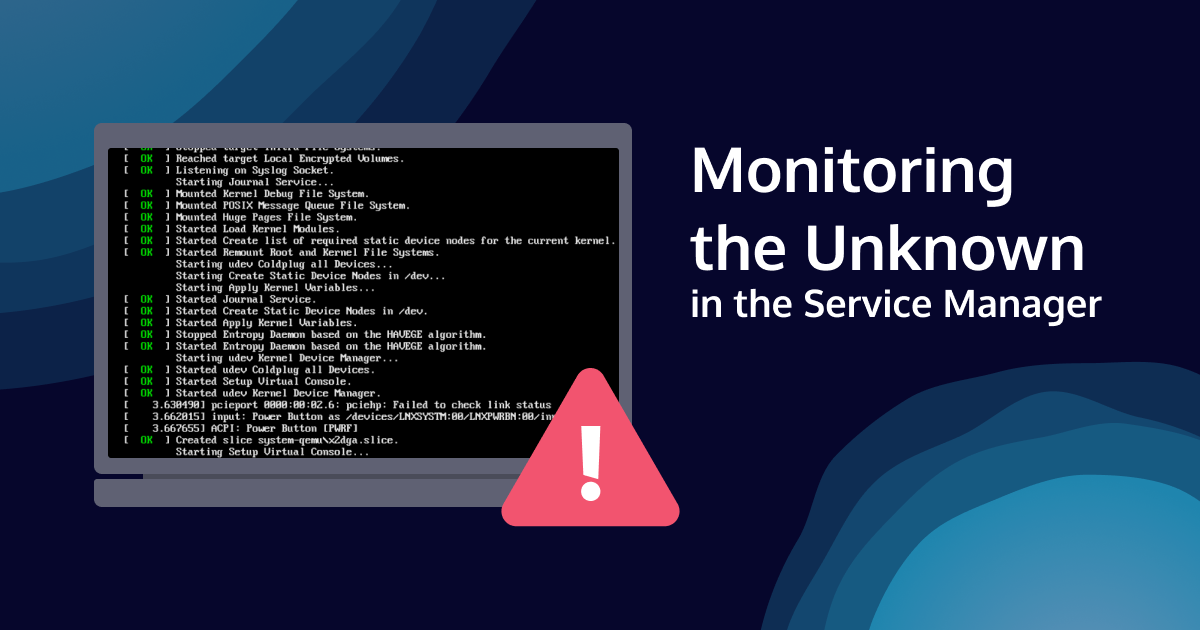
Monitoring the Unknown in the Service Manager
Nearly every operating system comes with at least one kind of service management. On a Unix-based operating system, this is historically part of the init system. While the specific tools have matured over time and there are changes between operating systems, they are...

Subscribe to our Newsletter
A monthly digest of the latest Icinga news, releases, articles and community topics.