Introduction: Why Alert Fatigue Hits Sysadmins Sooner or Later If you’ve ever muted your phone during a maintenance window, only to miss a real outage an hour later, you’re not alone. Sysadmins on...
Drowning in Alert Fatigue? How to Regain Control of Your Monitoring
Introduction: Why Alert Fatigue Hits Sysadmins Sooner or Later If you’ve ever muted your phone during a maintenance window, only to miss a real outage an hour later, you’re not alone. Sysadmins on...

Ipl-html: Introducing new Form Element Decorators
A Fresh Take on Form Element Decorators Decorators have always been a powerful concept in Icinga Web’s form system — letting developers control how form elements are displayed without hardcoding markup everywhere. But until recently, the decorator system had its...

Using Icinga 2 on NixOS
I use NixOS by the way. And today I'm going to show you how to operate a simple Icinga setup using that operating system. I.e. a single node with checks and notifications. In contrast to Icinga Web 2 or Redis, NixOS provides an Icinga 2 package, but no module....
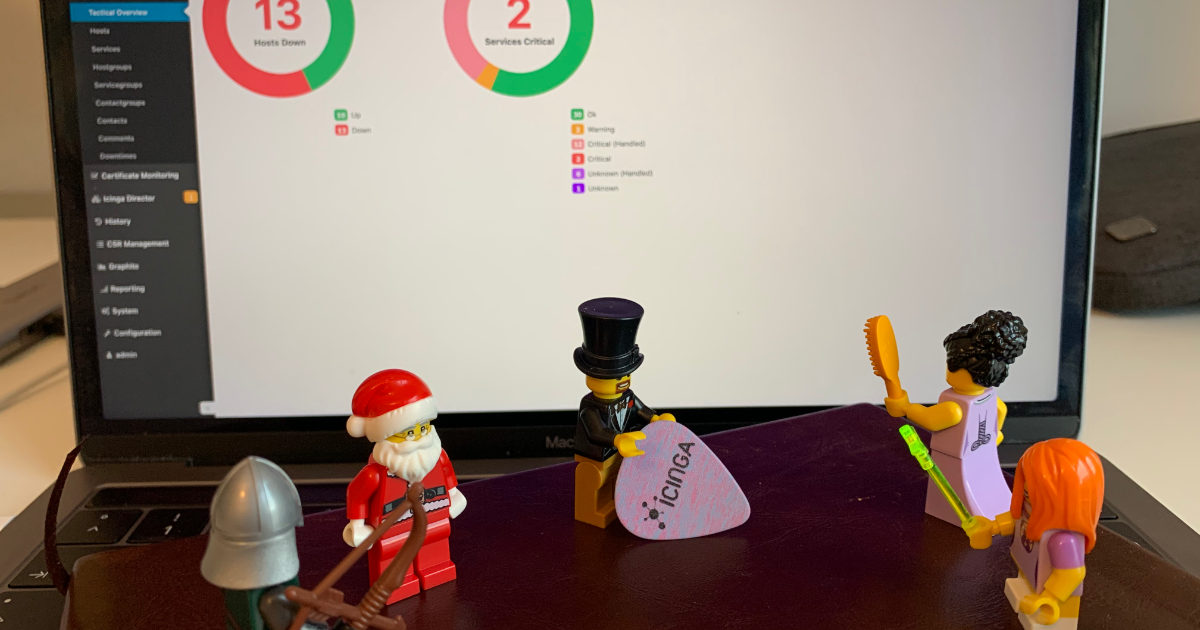
How to fetch data from Icinga Web
There are multiple ways to interact programatically with Icinga. Last week Henrik demonstrated how to connect to the Icinga 2 API through the Icinga 2 Console. Working with the Icinga 2 API is probably the most obvious way to interact with Icinga. Still, I would like...
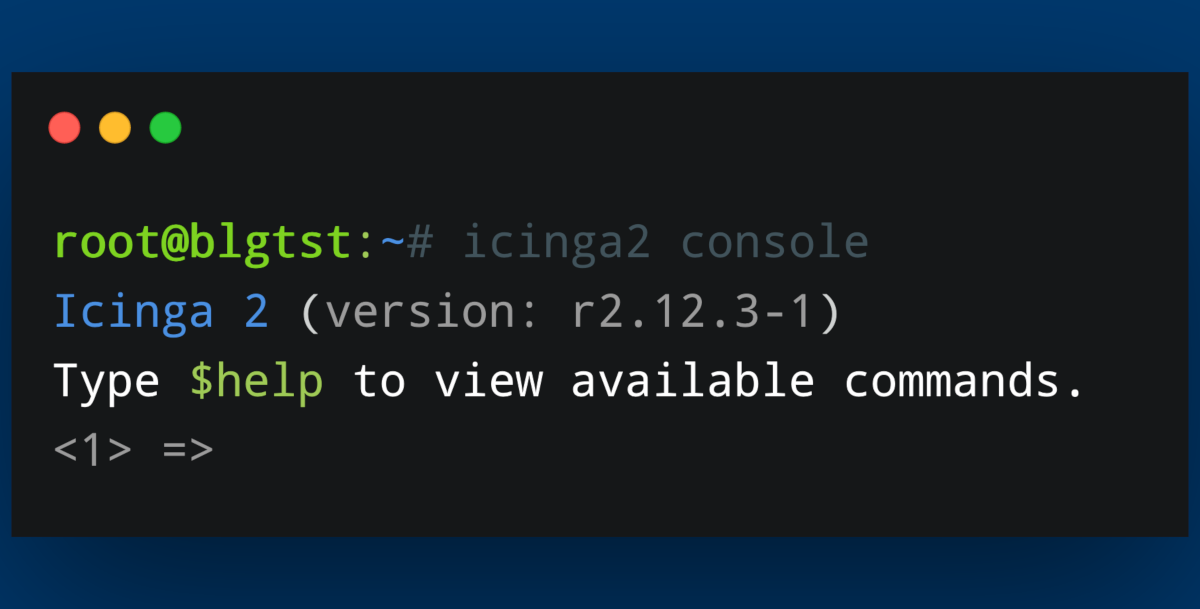
How to connect to the Icinga 2 API via the Icinga Console
Today I will show you a couple of small functions you can use with the Icinga Console. Using the Icinga Console can help with scripting in general and provides a quick and easy-to-use way of extracting information from your Icinga environment. We will take a look at...
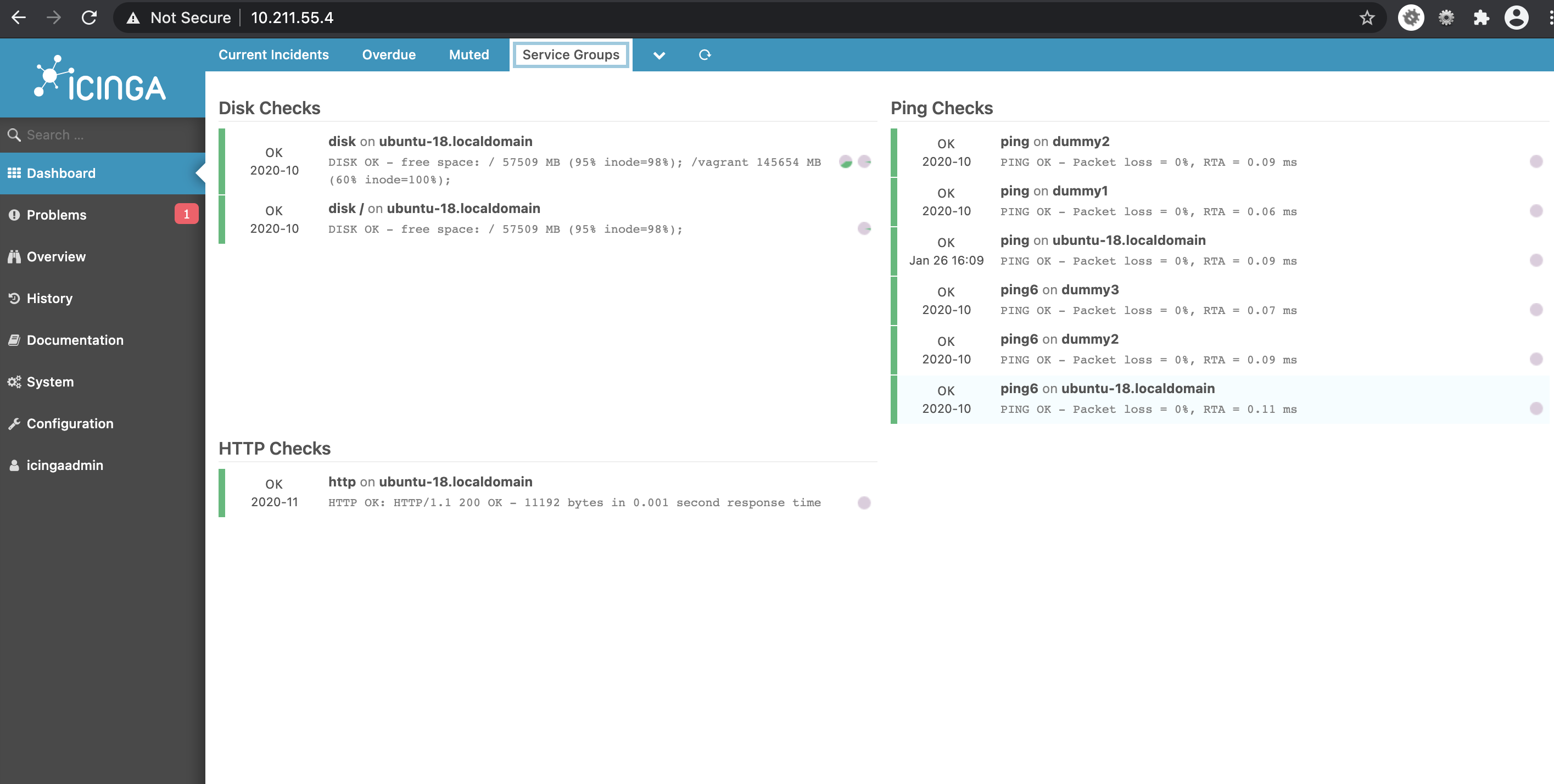
Creating dashboards based on custom filters
In this blogpost, I explain how to create dashlets using custom filters. This way you can create dashlets of your own which you find is necessary. Having dashboards in fact improves monitoring. Dashlets are the different sections under the given dashboard, which are...

Icinga 2 Config Sync: DIY Edition
Two weeks ago, Icinga 2 Config Sync: Behind the Scenes explained how the config sync in Icinga 2 works and how you can look behind the scenes. Today, we will put our knowledge from that post to the test and try to manually replicate the config sync. The most important...
Icinga 2 Config Language (DSL): Advanced Apply Rules
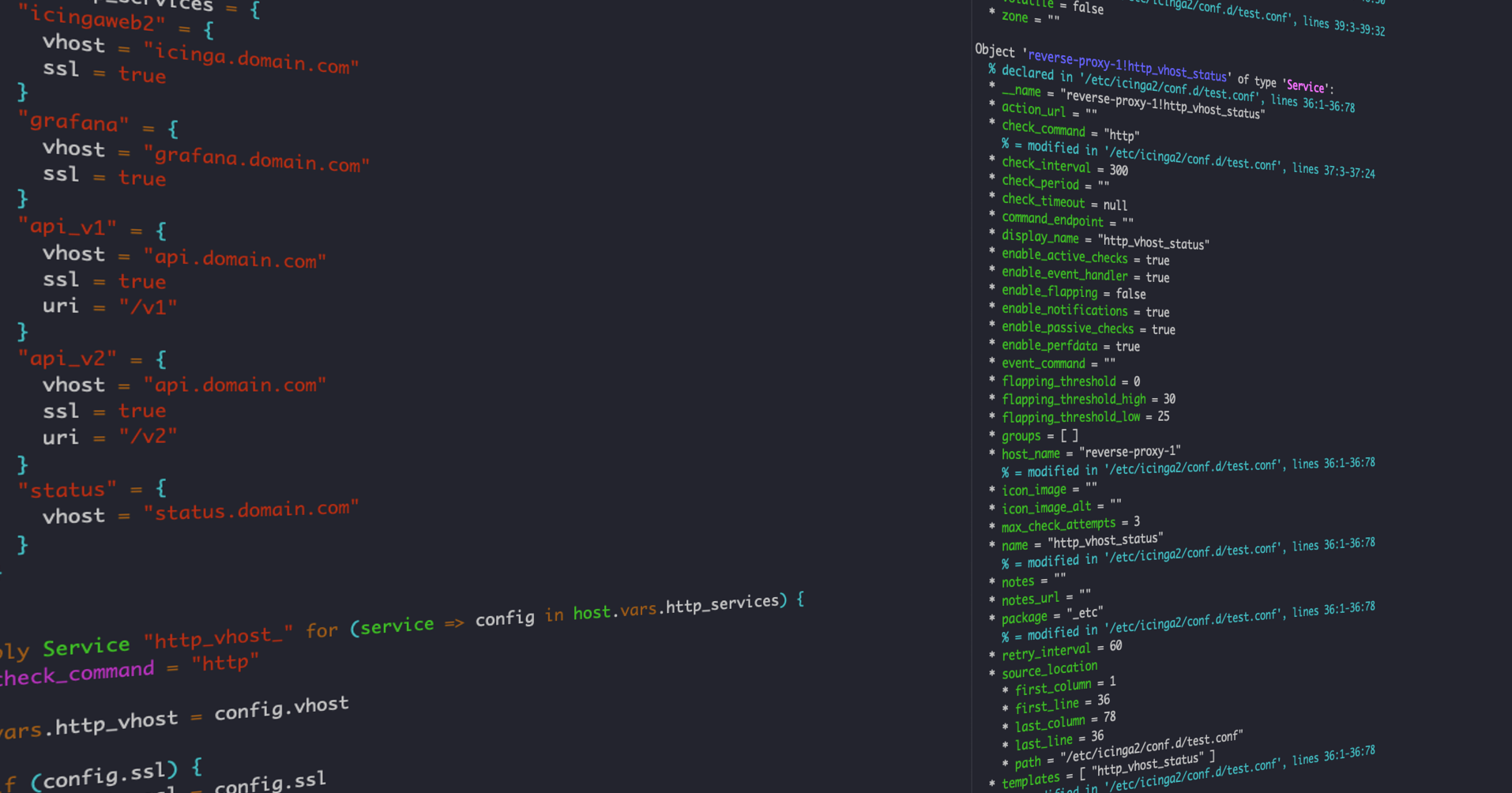
As many users of Icinga don't know what the DSL has to offer, I'm going to show you how to use custom variables and apply for rules to make your life easier when writing configuration for your Icinga environment. Idea In this example we will use custom variables on a...

Icinga 2 Config Sync: Behind the Scenes
Today's blog post dives into the internals of Icinga 2 and will give you an overview how the config synchronization works internally. We will take a small cluster as an example and follow the configuration files through the synchronization mechanism. We assume some...

Managing the Icinga Director with Ansible
This is a guest blogpost from Sebastian Gumprich from T-Systems Multimedia Solutions GmbH --- Our company is using Icinga for quite some time now to monitor our whole infrastructure and its customers infrastructure. We deploy many Icinga instances for different teams...
Docker: Secure, but comfortable images.
While developing Docker images for Icinga 2, Icinga Web 2 and Icinga DB we stumbled over OpenShift which doesn’t allow images to run as root by default. One has to enable that explicitly. Also admins of K8s environments being more permissive by default may decide not...

Build your own Icinga Module
Building your own Icinga Module sounds like a big challenge, but is it really that hard? A look behind the scenes reveals that it's actually not as complicated as it sounds. But first things first: Why would you even want to create your own Module? It's fairly easy to...

Subscribe to our Newsletter
A monthly digest of the latest Icinga news, releases, articles and community topics.