
Incident Management that fits your Monitoring
Turn monitoring events into actionable incidents with full control over routing, escalation and ownership.
Icinga delivers contextualized, schedule-aware and object-based incident handling and prevents alert fatigue.
Fully Open Source, Enterprise-Grade Incident Management
With Icinga Notifications, you get premium incident management capabilities that are fully open source, extensible, and under your control.
Event Rules
Decide how to handle incidents. Event rules let you define conditions, recipients, and notification timing. This gives you more control over routing and helps prevent alert fatigue.
Schedules
Incident response that fits the way teams actually work. Schedules let you define who gets notified and when, helping you control routing and reduce alert fatigue.
Object-Based Incidents
Built around your infrastructure. Object-based incidents let you define conditions, recipients, and notification timing. This gives you more control over routing and helps reduce alert fatigue.
Built to Integrate and Extend
With Icinga Notifications, you get premium incident management capabilities that are fully open-source, extensible, and completely under your control.
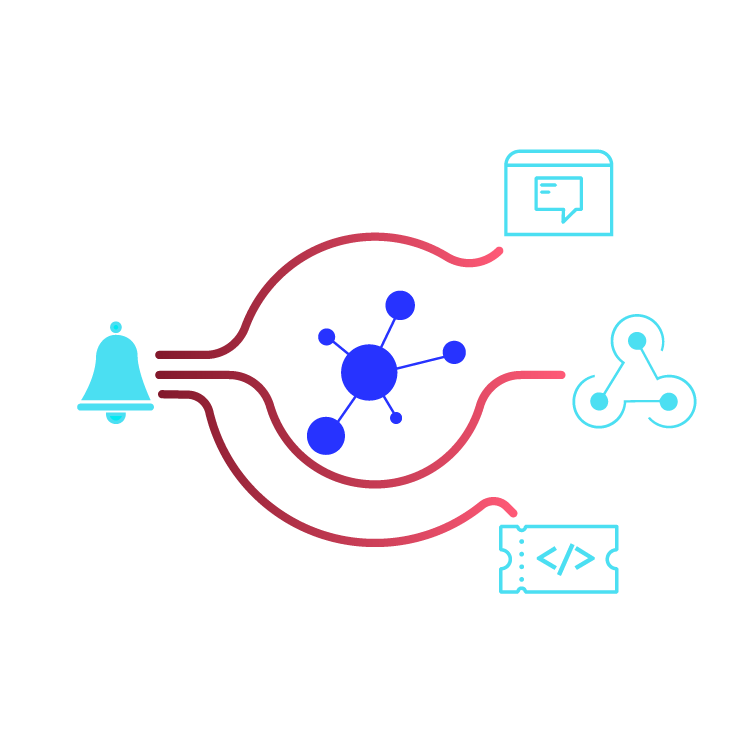
Webhooks and Custom Channels
Icinga Notifications integrates with your existing environment through webhooks and custom notification channels. Whether you use chat systems, ticketing tools, or automation workflows, you decide how incidents are handled downstream.
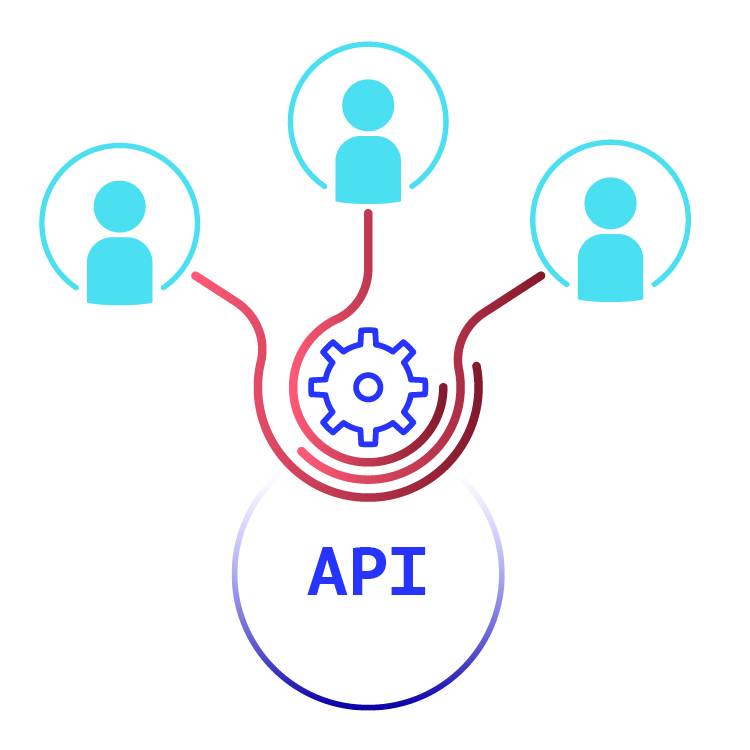
Contact Management via API
Contacts and responsibilities can be managed dynamically via API, making it easy to integrate incident ownership into existing systems and workflows. This enables scalable, automated incident management without manual overhead.
Notifications from Custom Modules
Custom modules can trigger notifications directly through Icinga’s notification framework. Whether you are extending existing functionality or building domain-specific features, they can initiate alerts programmatically to ensure the right stakeholders are informed at the right time.
Learn How Icinga Incident Management Works
Reach Teams Where They Actually Work
By keeping incident management close to monitoring, you maintain a single source of truth for events, incidents, and responses. This gives you better transparency, easier auditing, and full control over your process.
Built-in Channels


Webhook
Upcoming Channels

Microsoft Teams

ServiceNow

PagerDuty
FAQ Icinga Notifications
What is incident management in monitoring?
Incident management in monitoring is the process of detecting, evaluating, and responding to infrastructure or application issues. Monitoring systems generate events or alerts when something goes wrong. Incident management adds structure by grouping events, assigning ownership, defining escalation paths, and ensuring the right teams are notified at the right time.
With Icinga Notifications, monitoring events can be transformed into actionable incidents that include routing rules, schedules, and clear responsibilities.
How does Icinga handle incident management?
Icinga handles incident management through Icinga Notifications, which adds a structured incident layer on top of monitoring events.
Using event rules, monitoring events can be evaluated and transformed into incidents. These incidents are linked to monitored objects such as hosts, services, or Kubernetes workloads. Notifications can then be routed to teams through configurable channels and schedules.
This approach allows teams to manage incidents directly within their monitoring environment.
How does Icinga reduce alert fatigue?
Alert fatigue happens when teams receive too many notifications that are not actionable.
Icinga Notifications addresses this by allowing users to define event rules that determine when monitoring events should create incidents. Incidents can then be routed based on schedules, ownership, and escalation rules.
This ensures teams are notified only when their attention is required.
Can Icinga integrate with existing incident management workflows?
Icinga Notifications is designed to integrate with existing communication and automation systems.
Using webhooks and APIs, incidents can trigger external workflows, create tickets, send chat messages, or start automation processes. This makes it possible to integrate Icinga with existing DevOps, ITSM, or ChatOps environments.
Do more with Icinga
Bring the speed, scale, and relevance of Icinga to all areas of your business.

Explore Icinga

Infrastructure Monitoring
Learn more
Monitoring Automation
Monitor massive amounts of data.
Learn more

Cloud Monitoring
Learn more

Metrics & Logs
Get the context and recognize trends.
Learn more

Analytics
Learn more

Notifications
Learn more