Last time, we explored the concept of variable scopes in Icinga 2, which help you manage and organize your DSL configurations effectively. As promised, today we’ll dive into another, how shall I say, advanced topic: Namespaces in Icinga 2.
What are Namespaces?
If you’ve worked with programming languages like C++ or C#, you might be familiar with the concept of namespaces. In Icinga 2, namespaces serve a similar purpose. They allow you to group related functions or/and variables together, preventing naming conflicts. Think of DSL namespaces as containers that encapsulate your functions and variables. You can find them everywhere in Icinga 2 DSL, even if you don’t explicitly define them. I even dare to say that you’re already using them in your daily Icinga 2 work, ehm, ehm, I mean, without even realizing it! If you did realize it, kudos to you buddy 👏. For those who haven’t, don’t worry, you’ll get the hang of it in no time.
Icinga 2 has numerous built-in namespaces like System, Icinga, Types etc. that are exposed to you in the DSL. Did you ever wonder how Icinga 2 knows where to find the Host or Service object types? That’s right, it’s because they are populated in the Types namespace at startup before doing anything else. If you use something that’s not there like object Foo "bar" {}, you’ll most likely get an error stating that Foo is an unknown type. These built-in namespaces (namely System, System.Configuration, Icinga, and Types) are always available to you without any additional effort on your part.
Namespaces provide a number of methods to interact with and manipulate them. For instance, you can check if a namespace contains a specific variable using the contains() method like Types.contains("IdoMysqlConnection"), which would return true. You can also retrieve a variable or type from a namespace using the get() method, or remove one using the remove() method and so on. Usually, you should never need to use these methods except contains() to construct an object conditionally, since most of the Icinga 2 components can be excluded at build time, but hey, who am I to tell you what to do, right? 😄 Right, let’s move on then.
Creating Custom Namespaces
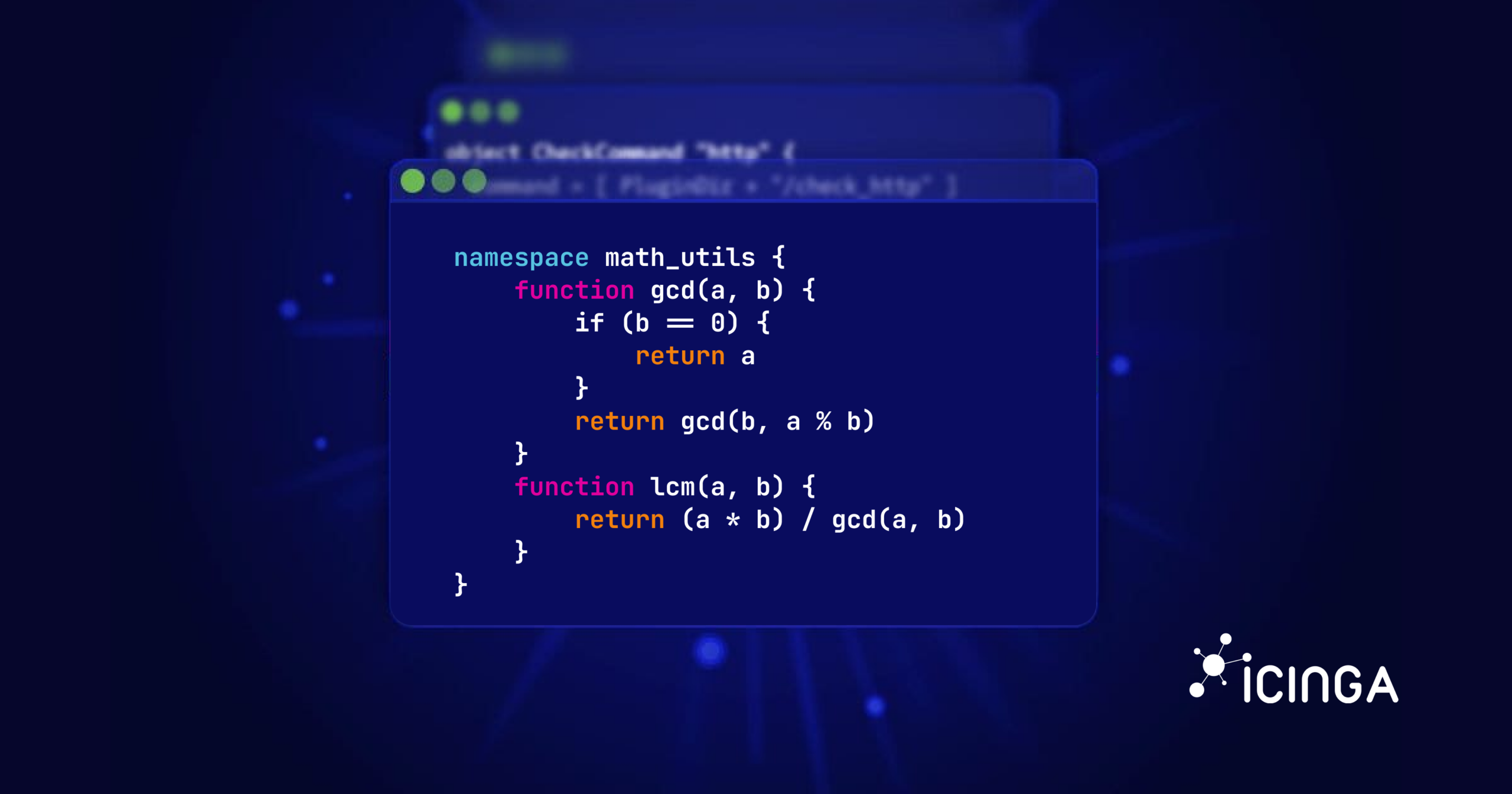
I hope you now have a basic understanding of what namespaces are in Icinga 2. Now, we’re going to explore how to create our own custom namespaces. Careful though, as this is where things get a bit messy. Unlike other programming languages, Icinga 2’s implementation of namespaces is somewhat limited and has its quirks. But don’t worry, I’ll guide you through it. To create a custom namespace, you use the `namespace` keyword followed by the name of the namespace and a block of code enclosed in curly braces. Here’s an example:
namespace utils {
    function IsValidUrl(url) {
        return regex("^http(s)?://[^:/]+(?::[0-9]+)?(/.*)?$", url)
    }

    function ParseUrl(url) {
        if (!IsValidUrl(url)) {
          return null // Return null if the URL is not valid.
        }
        var result = {}
        var parts = url.split(":")
        result.protocol = parts[0]
        // Skip the '//' after the protocol and extract the hostname and path.
        result.hostname = parts[1].substr(2).split("/")[0]
        result.port = result.protocol == "https" ? 443 : 80
        if (parts.len() >= 3) {
            result.port = parts[2]
        }
        return result
    }

    function IsSpace(char) {
        return char in [ " ", "\t", "\n", "\r", "\b", "\f" ]
    }

    function TrimSpace(hostname) {
        var start = 0
        var end = hostname.len() - 1
        while (start <= end && IsSpace(hostname.substr(start, 1))) {
            start += 1
        }
        while (end >= start && IsSpace(hostname.substr(end, 1))) {
            end -= 1
        }
        return hostname.substr(start, end - start + 1)
    }
}
In this example, we’ve created a namespace called utils that contains four functions: IsValidUrl(), ParseUrl(), IsSpace(), and TrimSpace(). We can now use these functions elsewhere in our Icinga 2 configuration by using the fully qualified name, like so: utils.ParseUrl("https://example.com/path"). For instance, we can use the above utils namespace to validate and parse a messed up URL like this for our apply rules:
object Host "vm.icinga.com" {
  check_command = "ping4"
  address = "vm.icinga.com"

  vars.http_urls = [
    "  \t\r\n   https://dashing.icinga.com\n \r ",
    "  \t https://packages.icinga.com \n \b ",
    "  \r\n\t\f https://demo.icinga.com \r ",
  ]
}

apply Service for (url in host.vars.http_urls) {
  check_command = "http"

  var parsed = utils.ParseUrl(utils.TrimSpace(url))
  if (parsed == null) {
    log(LogCritical, "HTTP APPLY RULE", "Invalid URL encountered - hostname: " + host_name + ", url: " + url)
    throw "Invalid HTTP URL" // Causes the config load to fail.
  }
  name = parsed.hostname
  vars.http_address = parsed.hostname
  vars.http_port = parsed.port
  vars.http_ssl = parsed.protocol == "https"
}
This will create HTTP services for each URL in the http_urls variable of the host, after trimming any leading or trailing whitespace characters and parsing the URL into its components. This is just a simple example and might not cover all edge cases, but it demonstrates how you can use custom namespaces to organize your code better. For instance, you could place the above namespace in a separate file called utils.conf somewhere and include it in your main configuration file using the include directive like so: include "/path/to/utils.conf".
Using the using Statement
Apart from using fully qualified names to access functions and variables within a namespace, Icinga 2 also provides the using statement. This statement allows you to bring all the functions and variables from a namespace into the current scope, so you don’t have to use the scope selector every time. Here’s how you can use it:
include "/path/to/utils.conf"
using utils

....
var parsed = ParseUrl(TrimSpace(" \t\r\n https://example.com/path\n \r "))
Though, be careful when using the using statement, as you’re essentially giving up the namespace encapsulation, which can lead to naming conflicts (e.g., a wrong function or variable might get picked up unintentionally). So, use it judiciously. Also, note that the using statement behaves kind of strangely compared to other programming languages, which might lead to confusion. In C++, for instance, opening a namespace with using inside a function scope only affects that function. However, in Icinga 2, opening a namespace via the same statement affects the entire file from that point onward, regardless where it is placed. So, be cautious when using it to avoid unexpected behavior and place it either at the top of your file or outside any blocks {} to make its effect clear.
Are you still with me? Great! Let’s move on to the next section.
Caveats and Limitations
There are some important caveats and limitations you should be aware of when working with custom namespaces in Icinga 2. First and foremost, your custom namespaces are immutable. Once you define a namespace, you cannot mutate it thereafter somewhere in your configuration. This means you cannot add, modify or remove functions and variables from a namespace via the aforementioned methods like remove() or any other way after its initial definition. Attempting to do so will result in an error like this:
critical/config: Error: Constant must not be modified.
So, be sure to define all the functions and variables you need in a namespace upfront.
Conclusion
If you have made it this far, congrats 🎉! That was quite a bit to take in, I know 😅 and you might be thinking, “Why bother with namespaces at all?”, after all, all the stuff we did with custom namespaces could have been done without them, right? Well, that’s absolutely correct! You shouldn’t feel compelled to use namespaces in your config if you don’t see a need for them. When you always name your functions and variables descriptively, you can prevent accidental name clashes quite well. They are only useful when you want to make certain utility functions globally visible without polluting the globals namespace. In such cases, namespaces can help you keep your code organized.
That’s it for today’s deep dive into Icinga 2 namespaces. However, before I sign off, I would like to kindly ask you to share your real-world use cases of namespaces in Icinga 2 with us. How have you utilized namespaces in your configurations? Do custom namespaces allow you to do things you couldn’t do otherwise? Your feedback and experiences would be invaluable to us as we are considering deprecating custom namespaces in future releases of Icinga 2 due to their limitations and the added complexity they bring to the DSL. So, please share your thoughts on GitHub or reach out to us via our community channels. We look forward to hearing from you!
Stay tuned and see or shall I say, read you next time!